

create-workflow to author the durable recipe you need, or copies a matching pattern from examples/init-pack/ (patterns init doesn’t install), then drives it to a validated result. This page catalogs those patterns: each row pairs what you say with what Smithers runs. For everything around a run (plugging in your own logging, alerting, time travel, memory, evals, accounts, packs), see Platform Capabilities.
Build
You know what you want shipped. These workflows enforce a build-check-review loop, turning requests into validated, reviewed code instead of first drafts.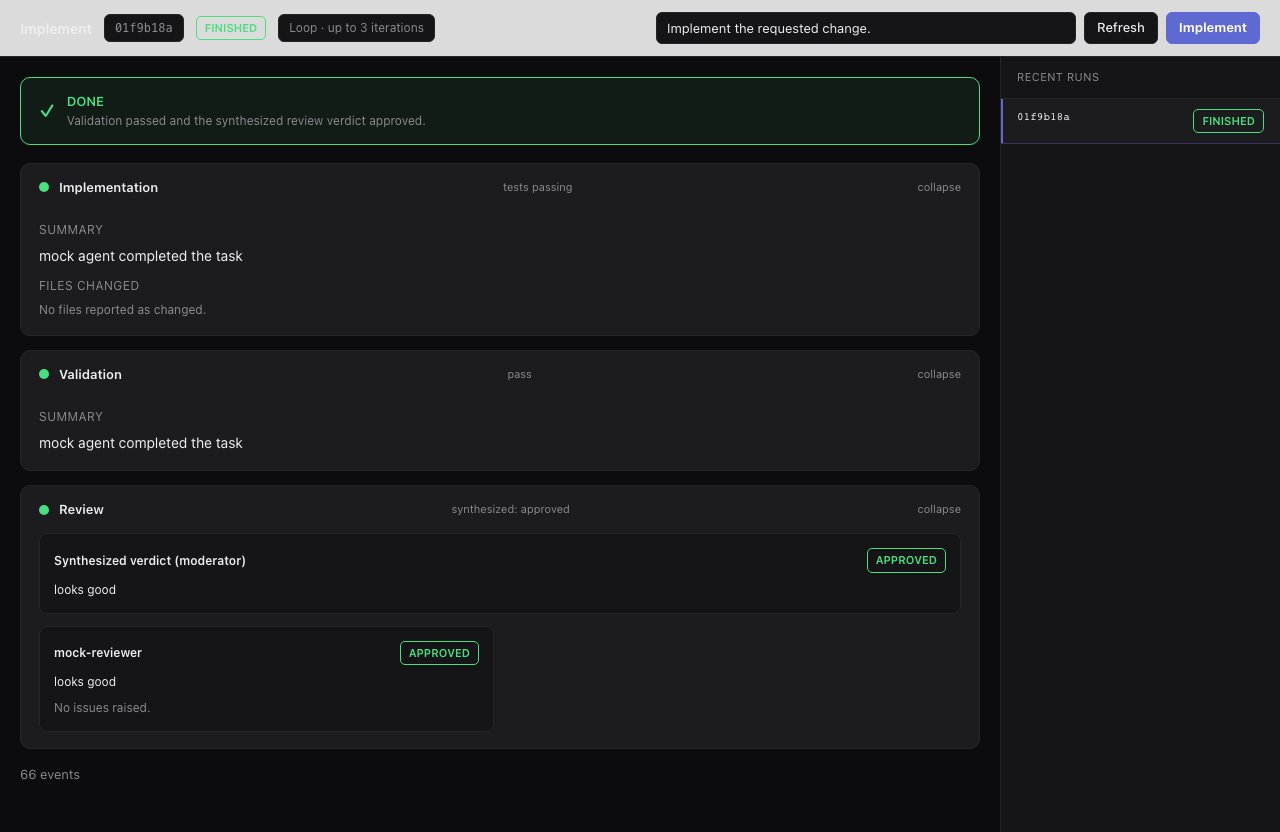
implement runs a build → validate → review loop and feeds failures back in, so you get reviewed code instead of a first draft.
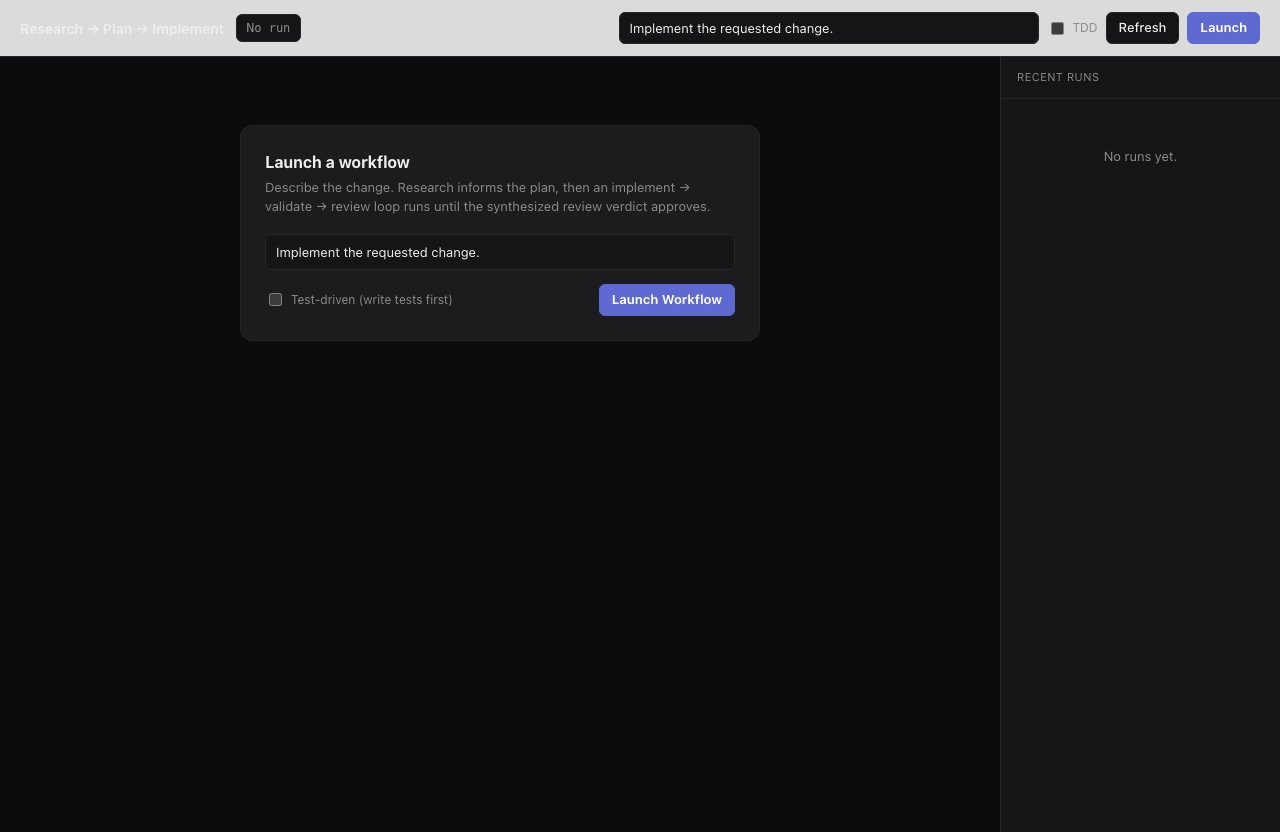
research-plan-implement gathers context and plans before touching code, the pipeline for work in unfamiliar territory.
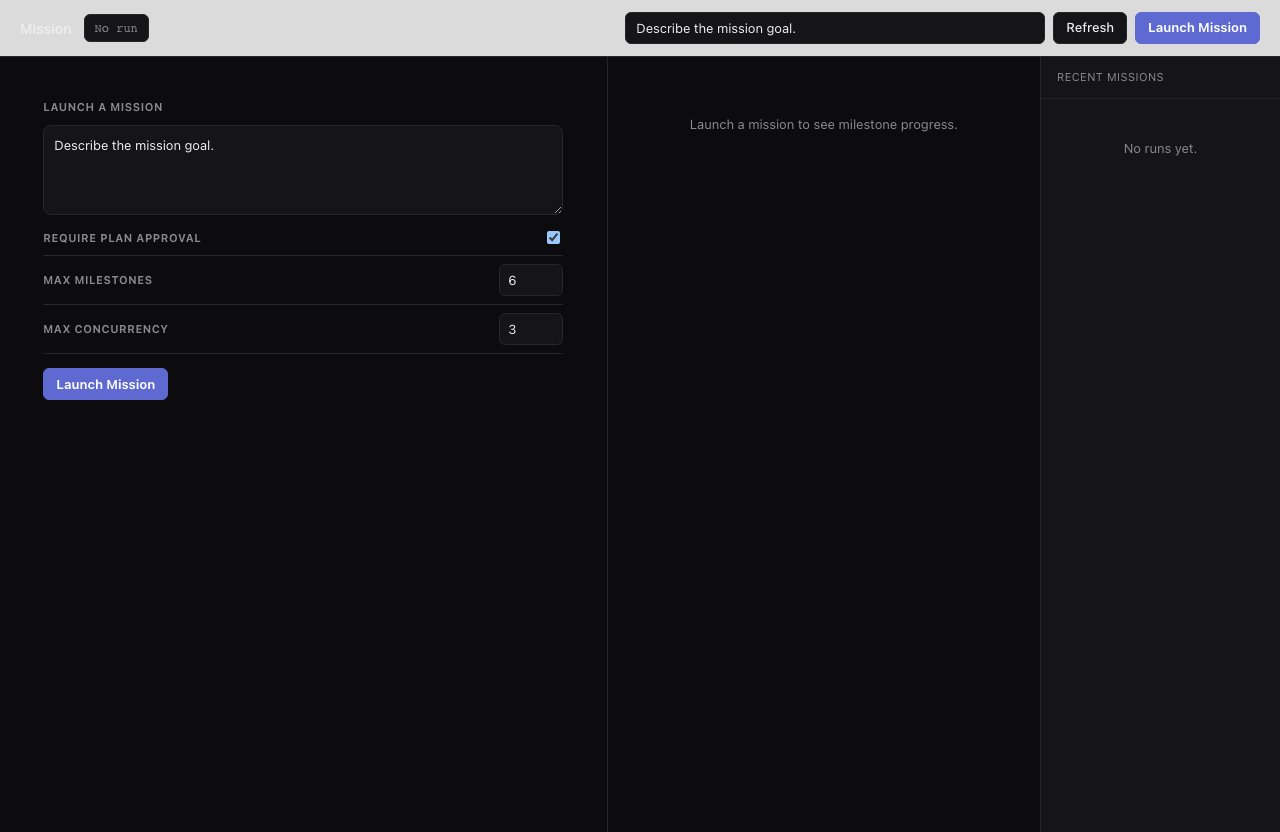
mission breaks long-horizon work into approved milestones with parallel workers, so a multi-day migration runs as scoped, reviewable chunks.
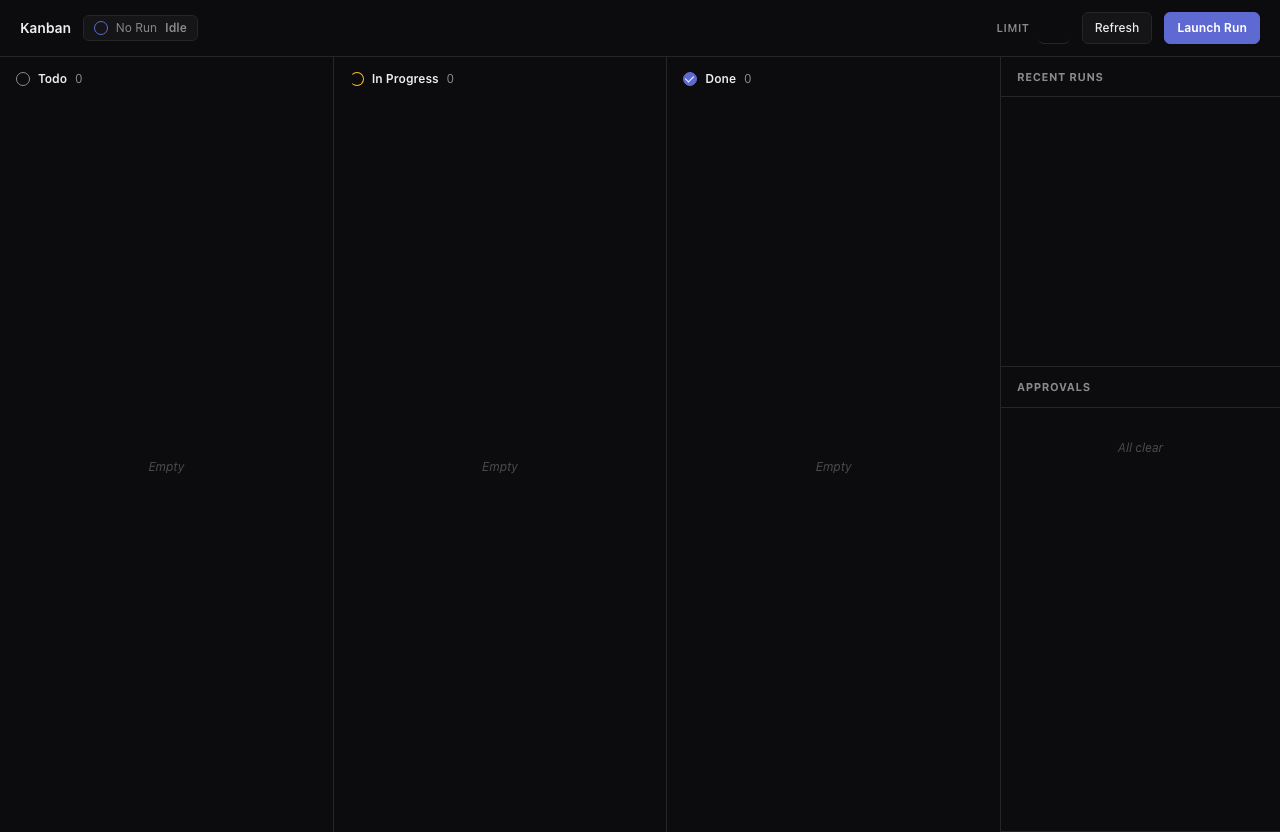
kanban implements each ticket in its own worktree branch and merges only the ones that pass: isolated parallelism on one board.
Plan
Shape the work before any code is written: plans, tickets, sharper requirements, no repo changes.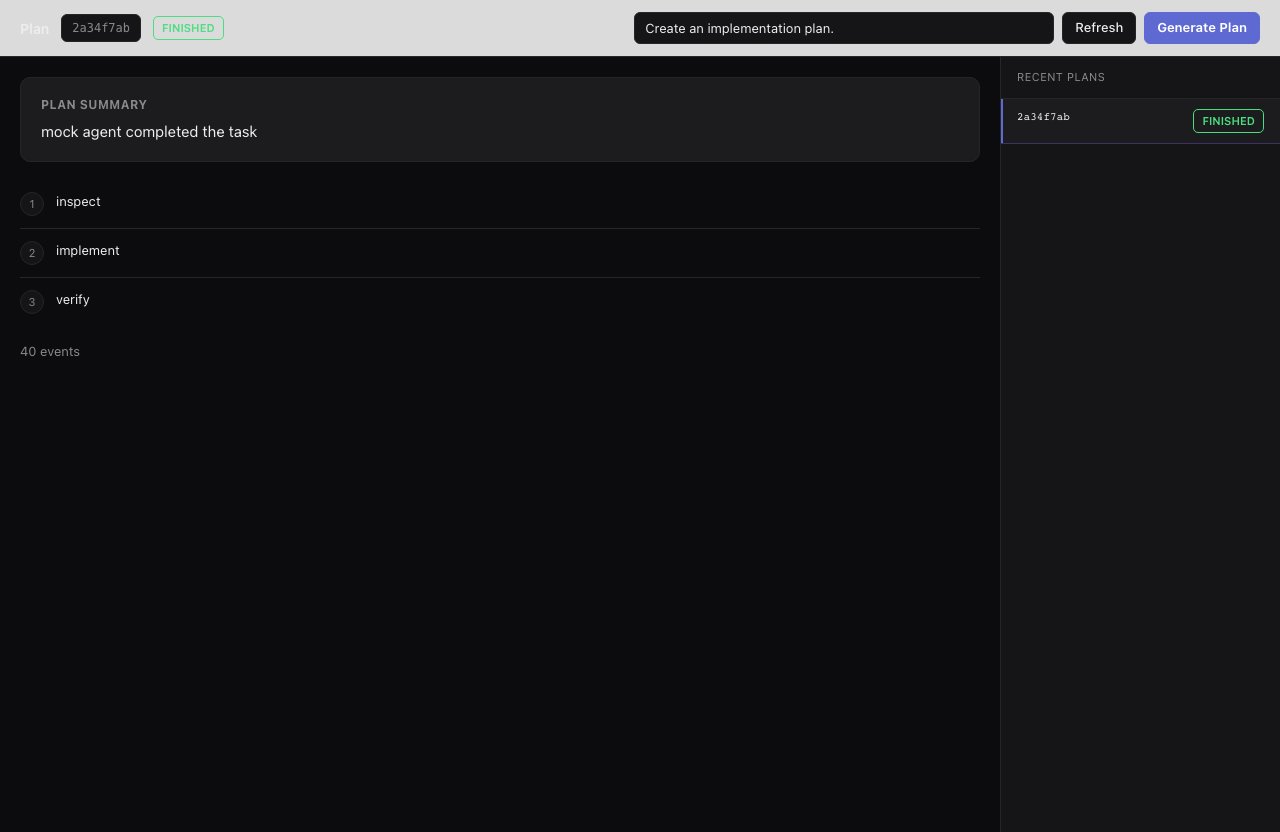
plan returns ordered steps without changing the repo, the input you feed into implement, mission, or tickets-create.
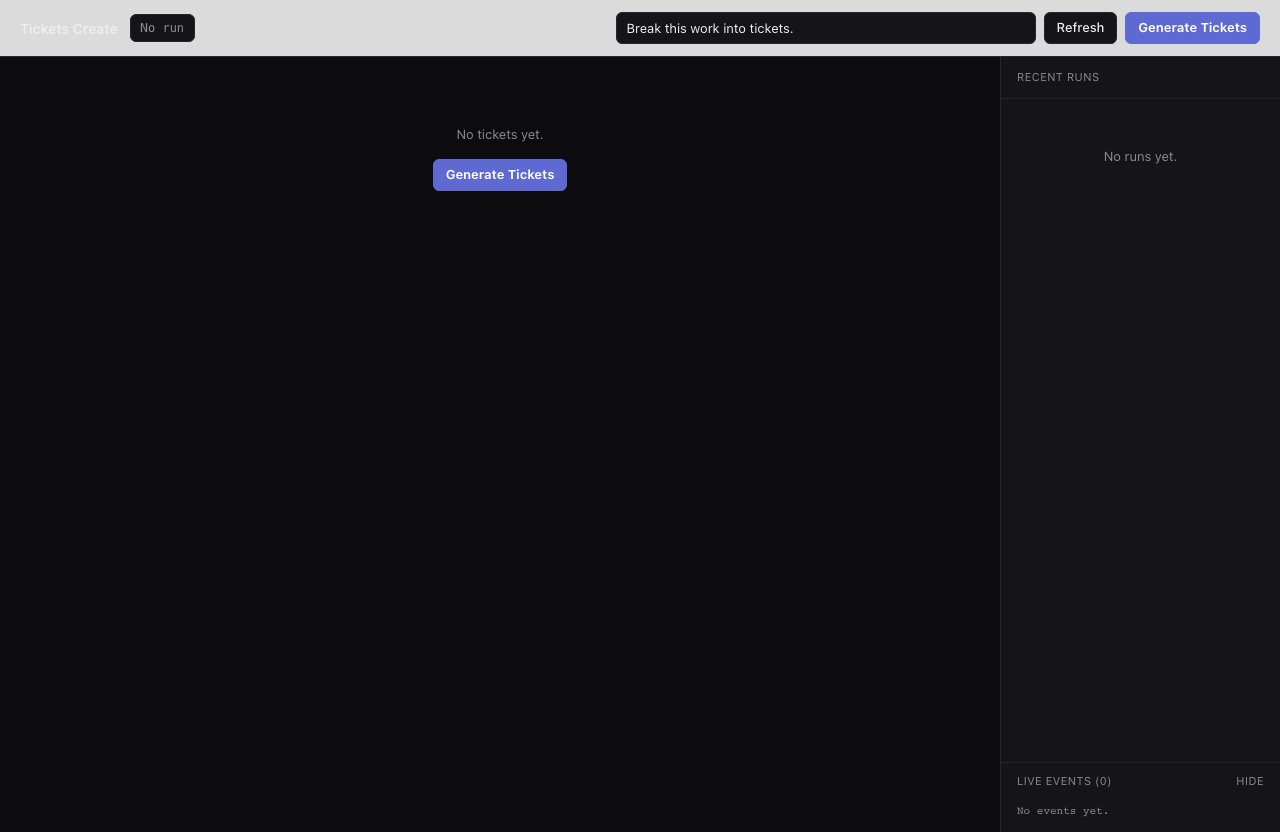
tickets-create splits one broad request into discrete tickets with acceptance criteria; drop them in .smithers/tickets/ and hand them to kanban.
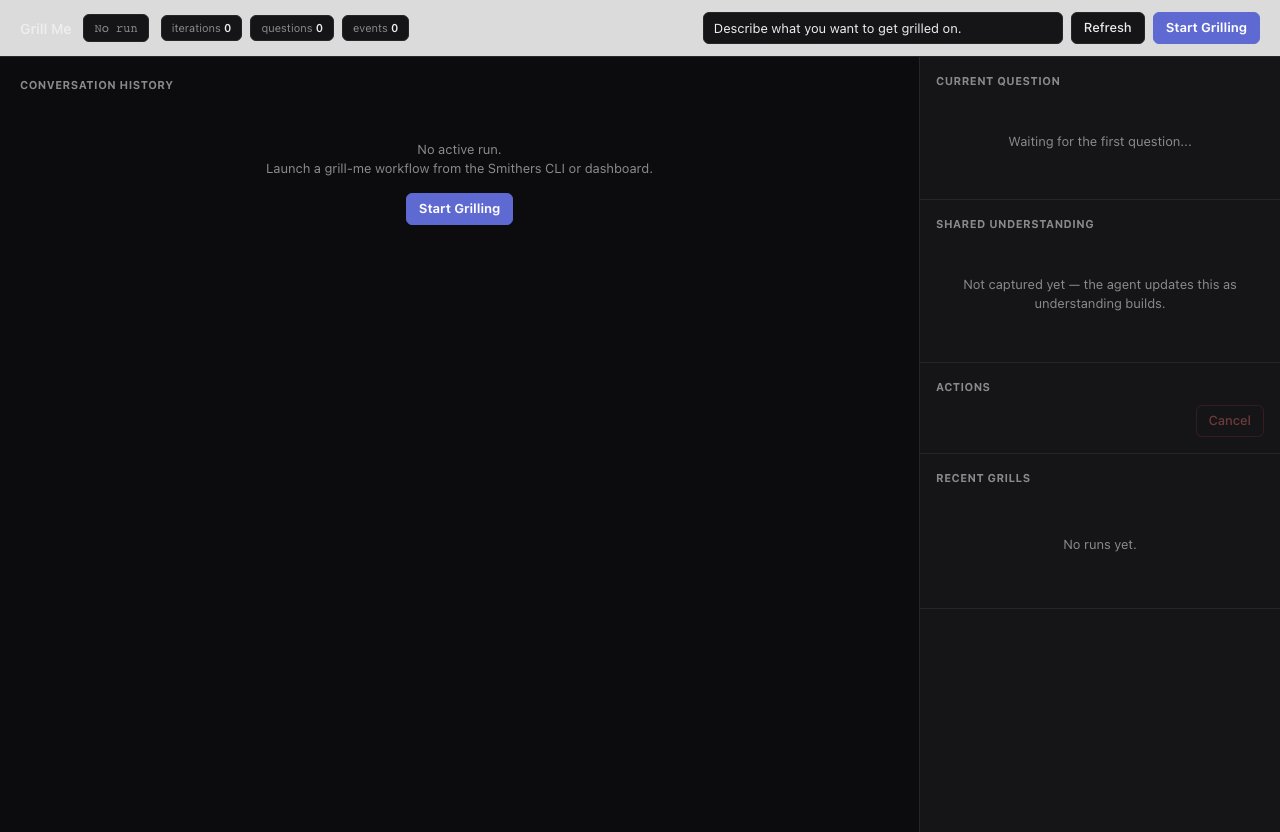
grill-me interrogates you before any planning, so the plan is built on real requirements instead of a vague one-liner.
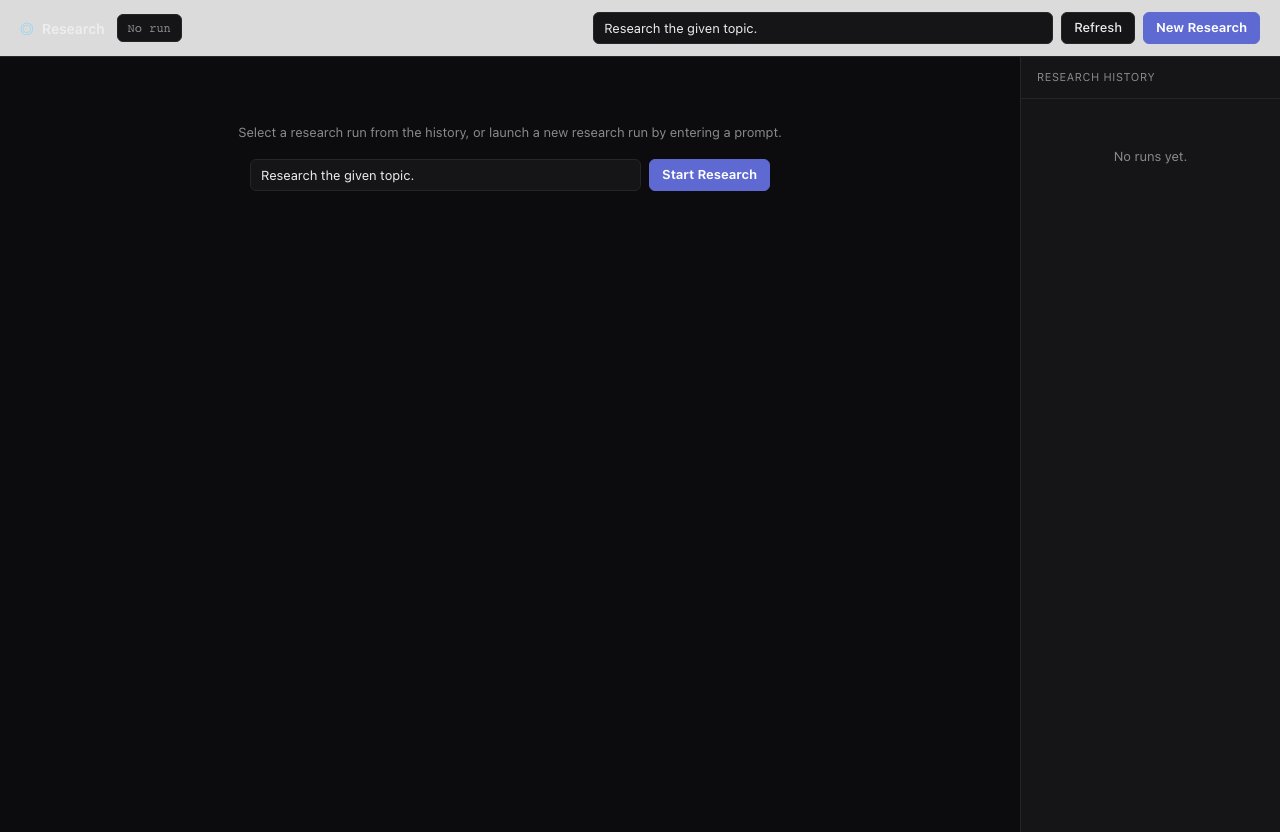
research gathers repo and external context up front, so the plan that follows cites real files and prior art.
Quality
Make existing work stronger: review it, fix bugs at the root, raise coverage, audit the whole repo for gaps.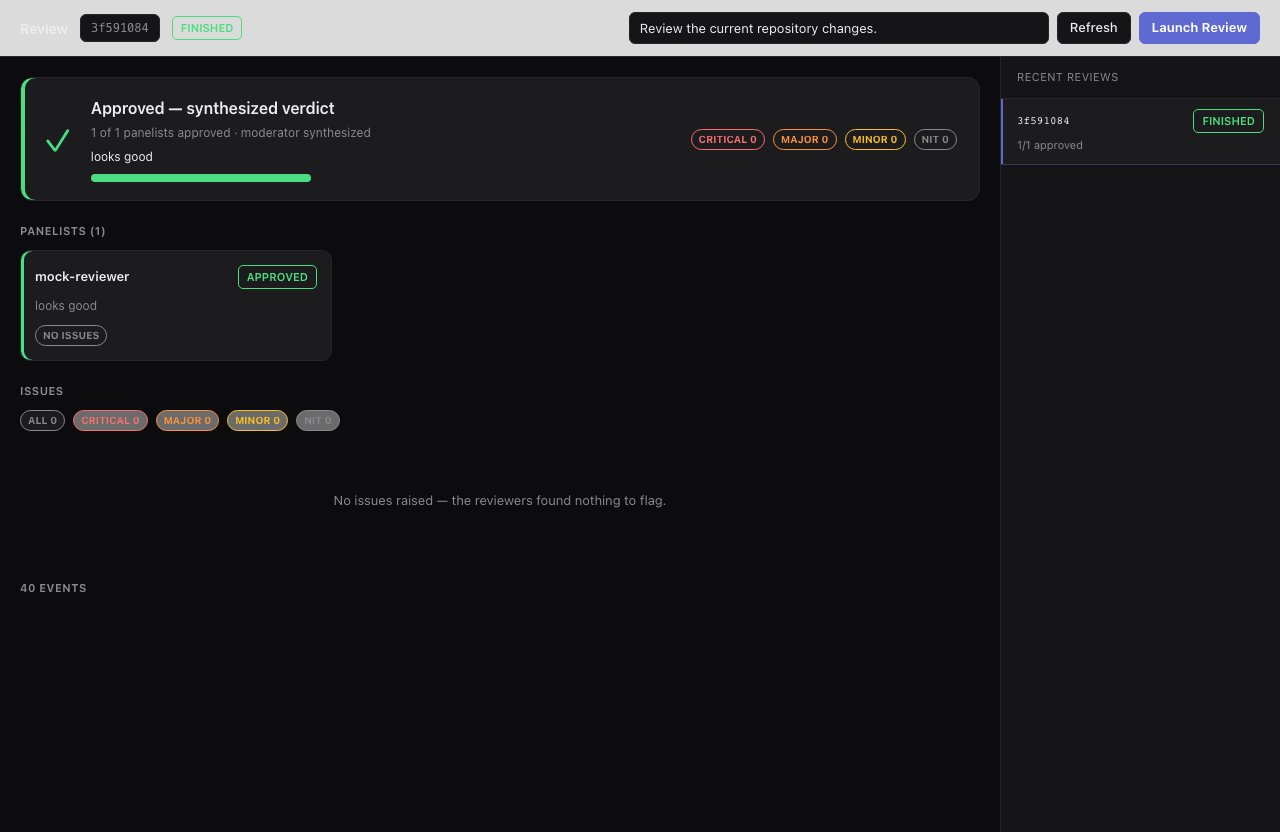
review returns approval status plus issues tagged by severity, so 'is this production-ready' gets a structured answer.
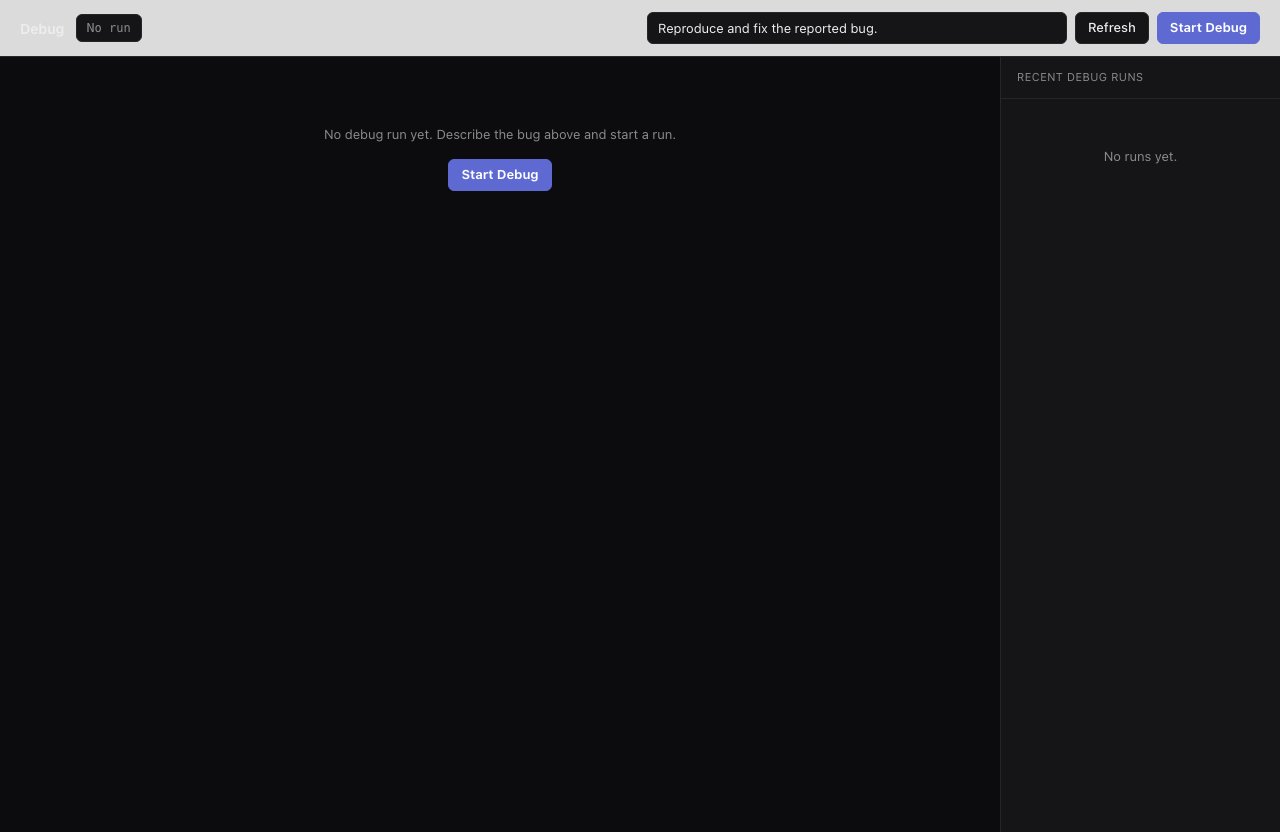
debug reproduces the bug before fixing it and runs every validation iteration, with no early exit until the fix is verified.
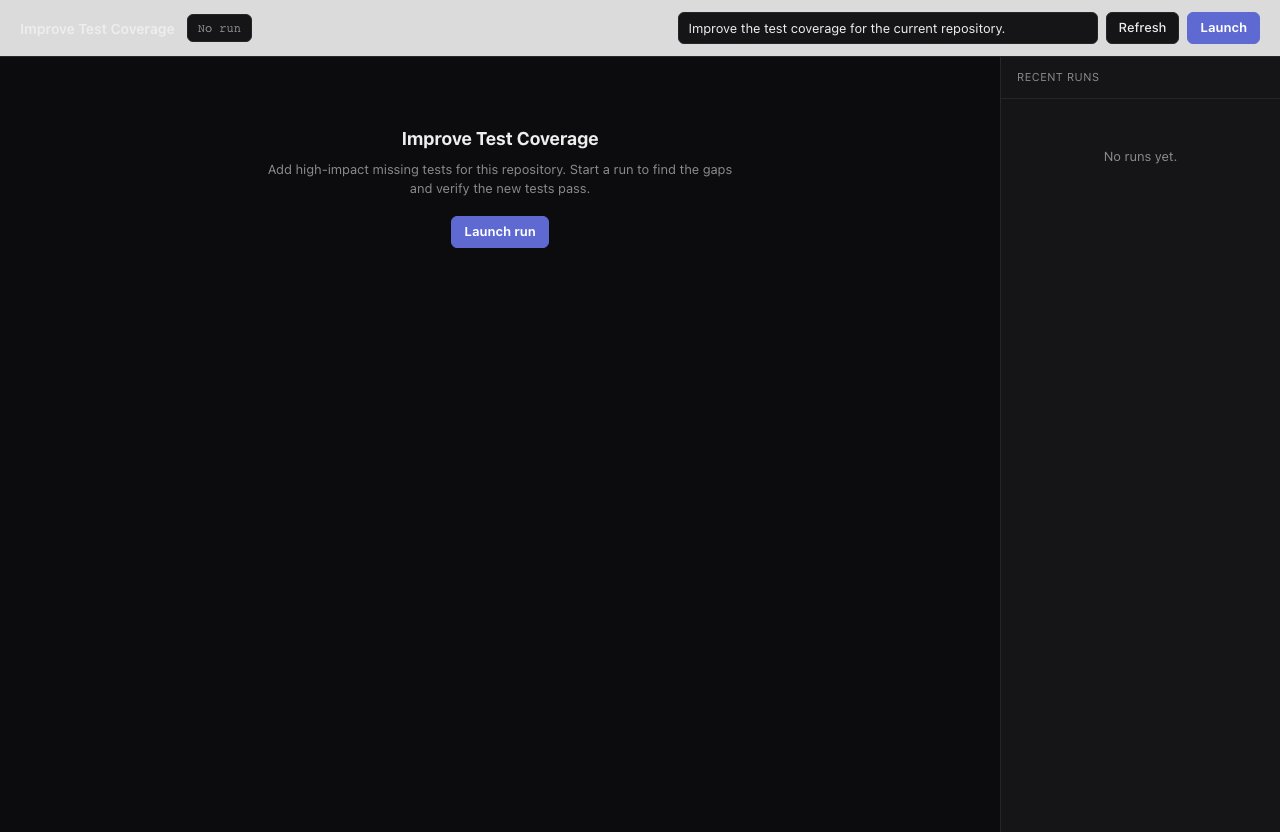
improve-test-coverage fills high-impact gaps and validates that the new tests actually pass.
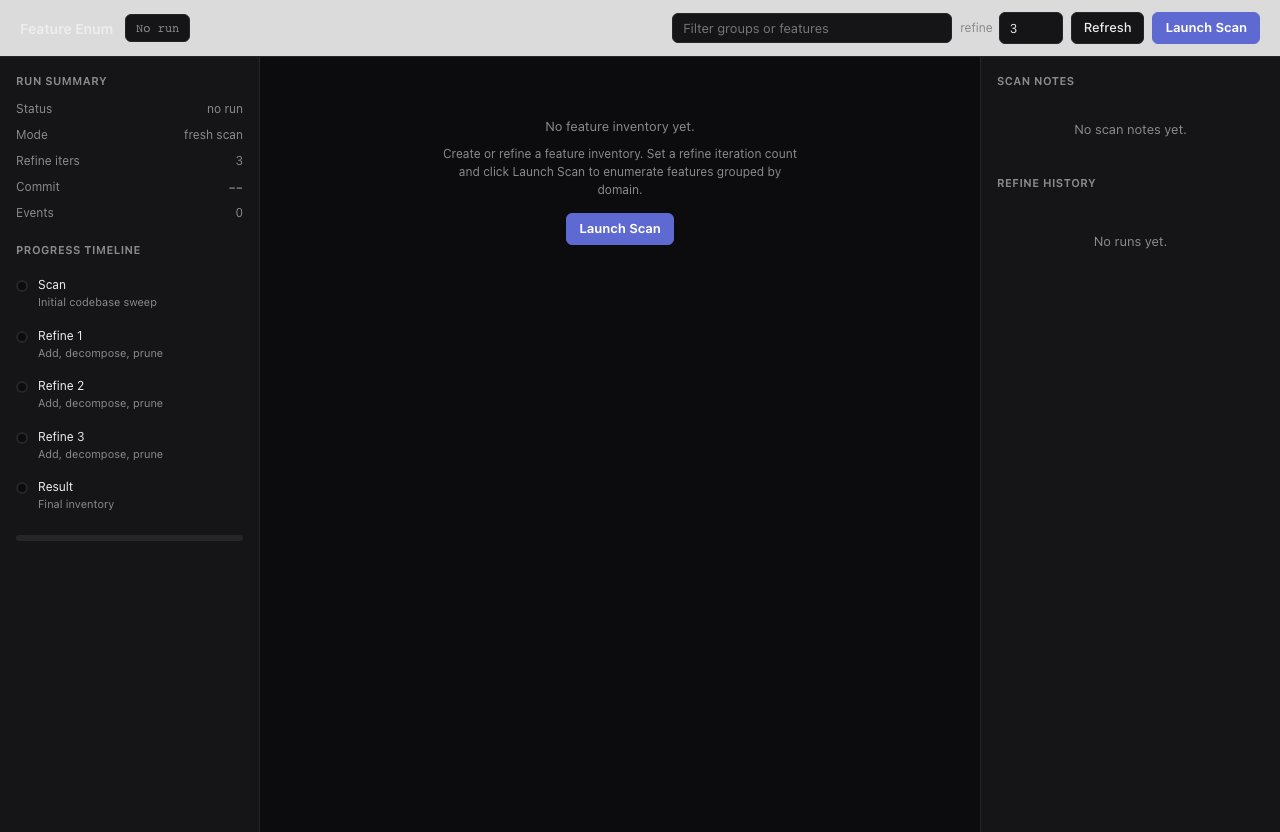
feature-enum produces a code-backed feature inventory that audit then reviews group by group in parallel: a whole-repo gap report.
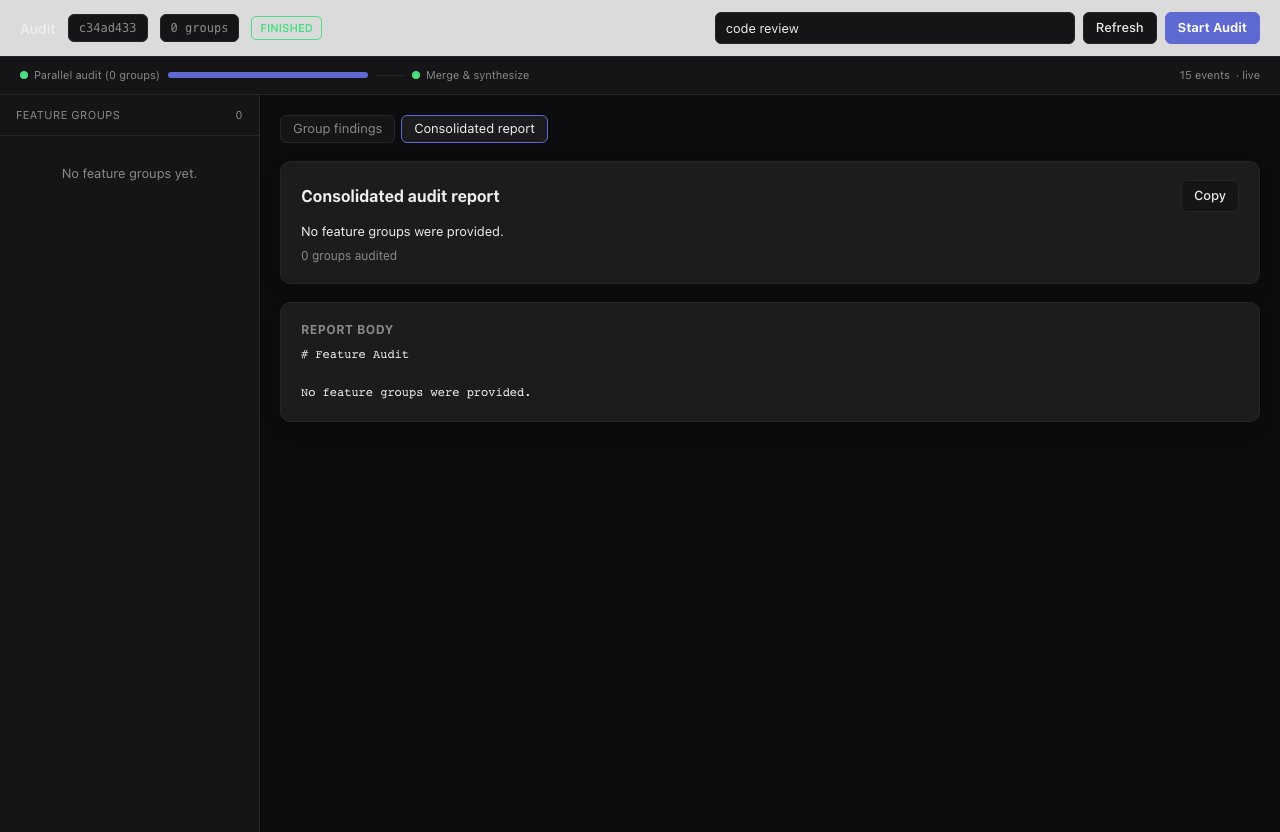
audit consumes the feature map and reviews each group for missing tests, docs, and error handling across the whole inventory.
Run while you’re away
Smithers runs are durable: they survive crashes, restarts, and flaky tools, tracking what’s done and what’s next. Start something long-running, close the lid, come back to progress. Keep going until you stop it. Say:“Keep working on reducing flaky tests. Don’t stop until I tell you to.”Your agent runs
ralph, an unbounded loop that re-runs the smart agent on your prompt. Say stop and it runs bunx smithers-orchestrator cancel RUN_ID.
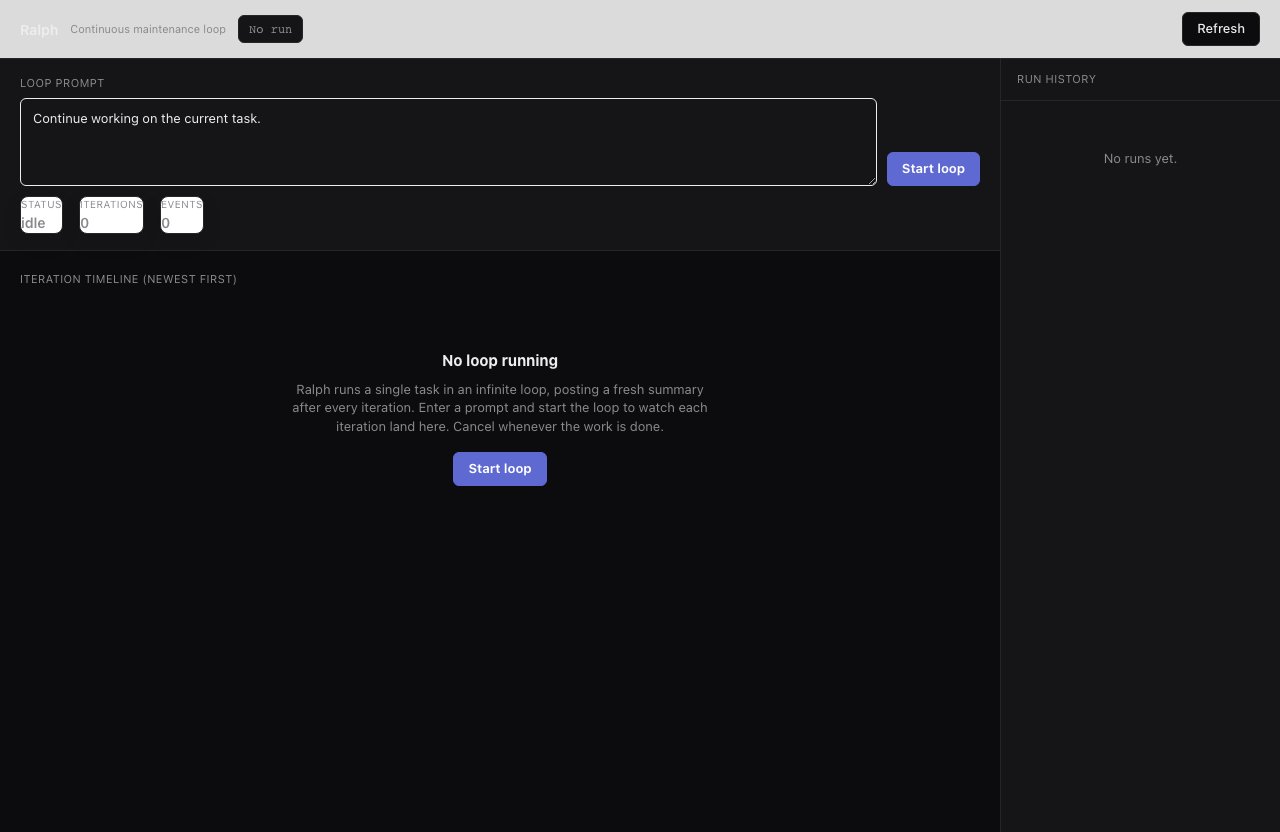
ralph loops the same prompt indefinitely, so a long-grind task keeps making progress while you're away.
“Every morning, scan the repo for stale TODOs and broken doc examples and open fixes.”Your agent registers a cron schedule (
bunx smithers-orchestrator cron add) to run the workflow automatically. Ask what’s scheduled with bunx smithers-orchestrator cron list.
Gate on your approval. Say:
“Draft the release blog post, but don’t publish until I approve it.”The workflow durably suspends at an approval gate. Say “approve it” and your agent runs
bunx smithers-orchestrator approve, resuming right where it left off: work happens while you’re away, the irreversible step waits for you. mission uses the same gate for its milestone-plan sign-off.
Make your own workflows discoverable
Smithers treats agent-authored workflows as first-class. Once you’ve built task- and project-specific ones, say:“Write skill docs for every Smithers workflow in this repo so any agent can find and run them.”Your agent can copy the archived
workflow-skill
example, or ask create-workflow: it reads local workflow metadata and
source, then writes concise agent-facing skill docs under .smithers/skills/.
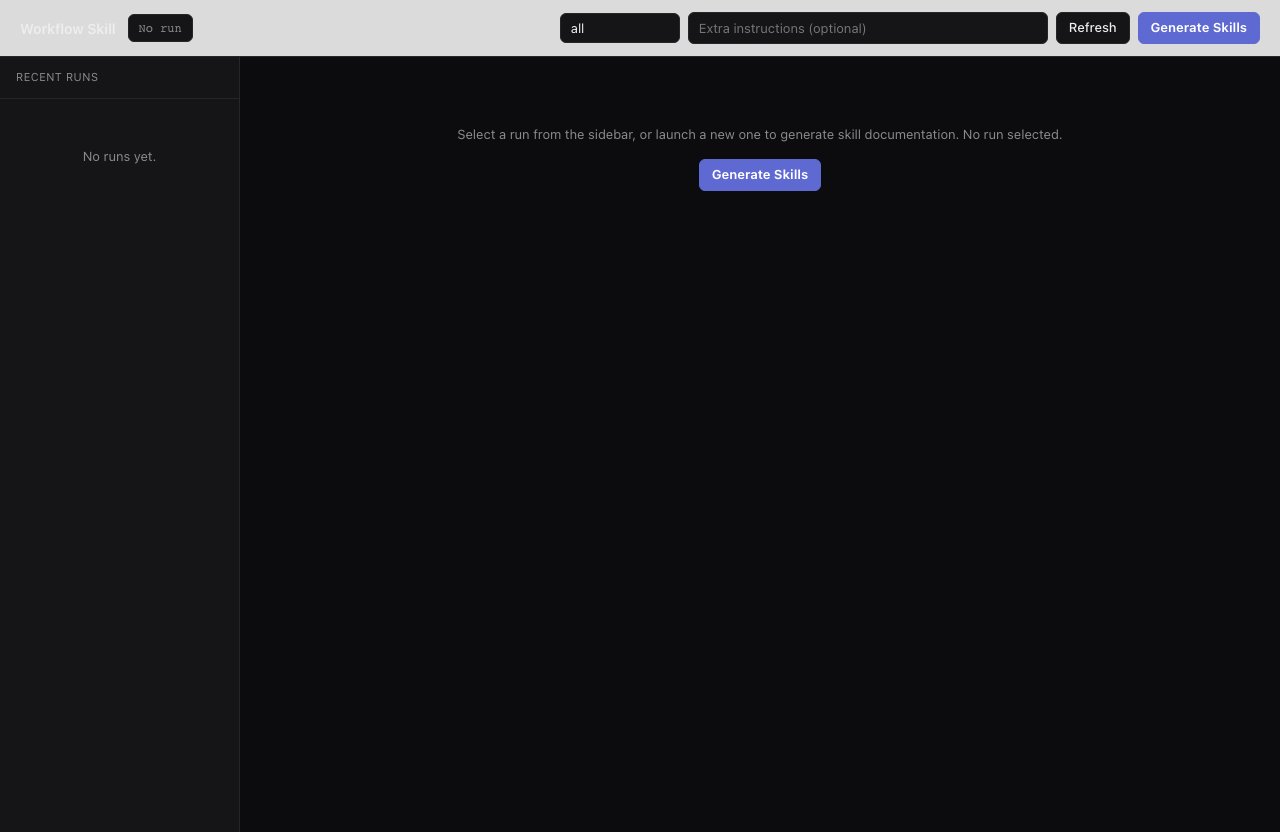
workflow-skill turns your local workflows into agent-facing skill docs, so the next agent on the repo can drive them by name without reading the source.