

workflow-skill is an archived example, not installed by init (copy it from examples/init-pack/ with its dependency closure, or ask create-workflow to build an equivalent). It reads local Smithers workflow metadata and writes reusable, agent-facing skill docs: for each selected workflow it passes the ID, display name, source type, entry file path, and full source to an agent, which infers descriptions, inputs, and other fields from that source.
For deterministic, no-agent generation, use the CLI command below; the generated skill includes the workflow’s real input schema (field names, types, required/default status, enum values, and descriptions when the Zod schema provides them).
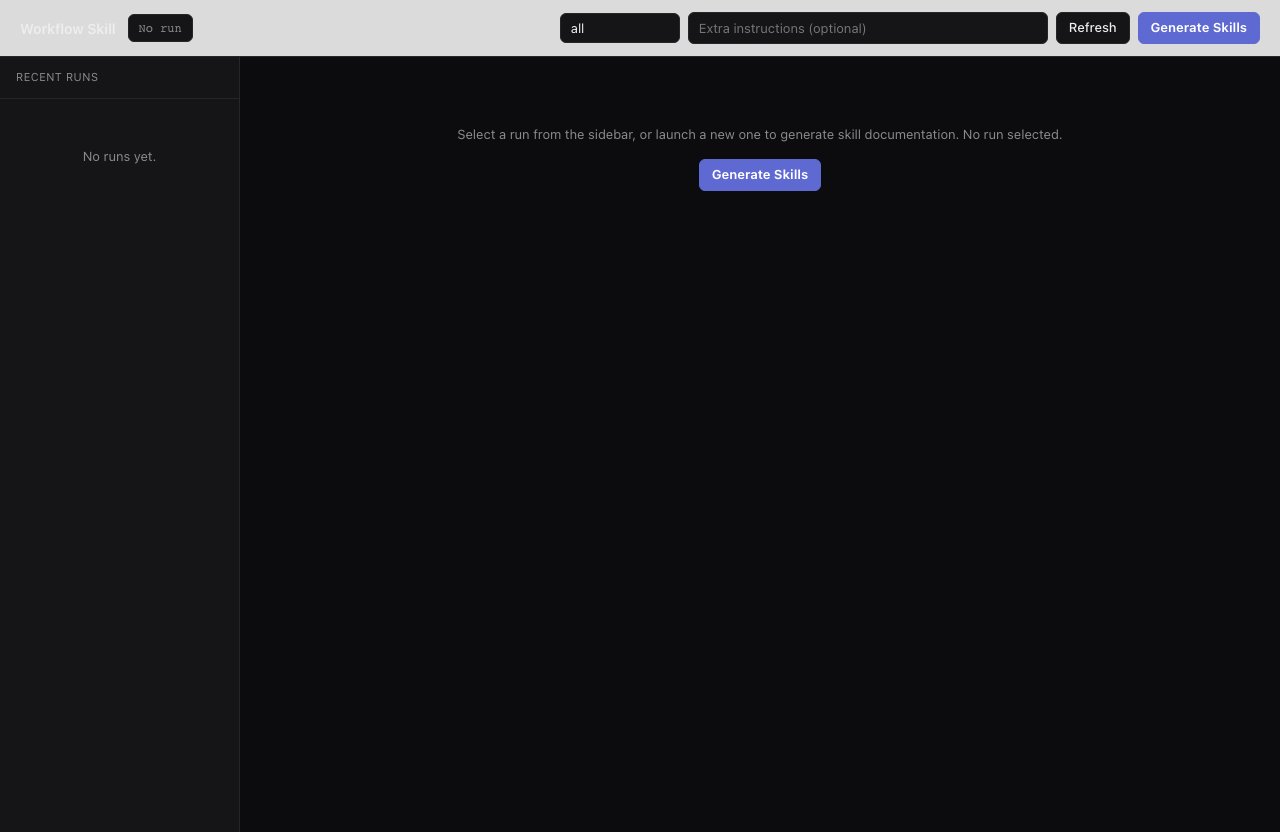
The workflow-skill UI shows local workflows read and turned into agent-facing skill docs.
Inputs
Output Rules
workflow: "all"scans every local workflow exceptworkflow-skill.- If
outputis omitted, skills are written under.smithers/skills/: Smithers-owned generated output that Claude Code, Codex, and other coding harnesses won’t auto-discover unless your project bridges it into the harness skill directory, typically.agents/skills. - If
workflowis one workflow ID andoutputis provided, the agent writes exactly that file path. - If
workflowis"all"andoutputis provided, the agent treats it as a directory and writes one skill per workflow.