

1. Durability: finished work stays finished
Every completed step is saved as a frame: crash mid-run and Smithers reloads the last one and continues, never re-running work that already succeeded. That’s render → execute → persist. (Deep version: How It Works.)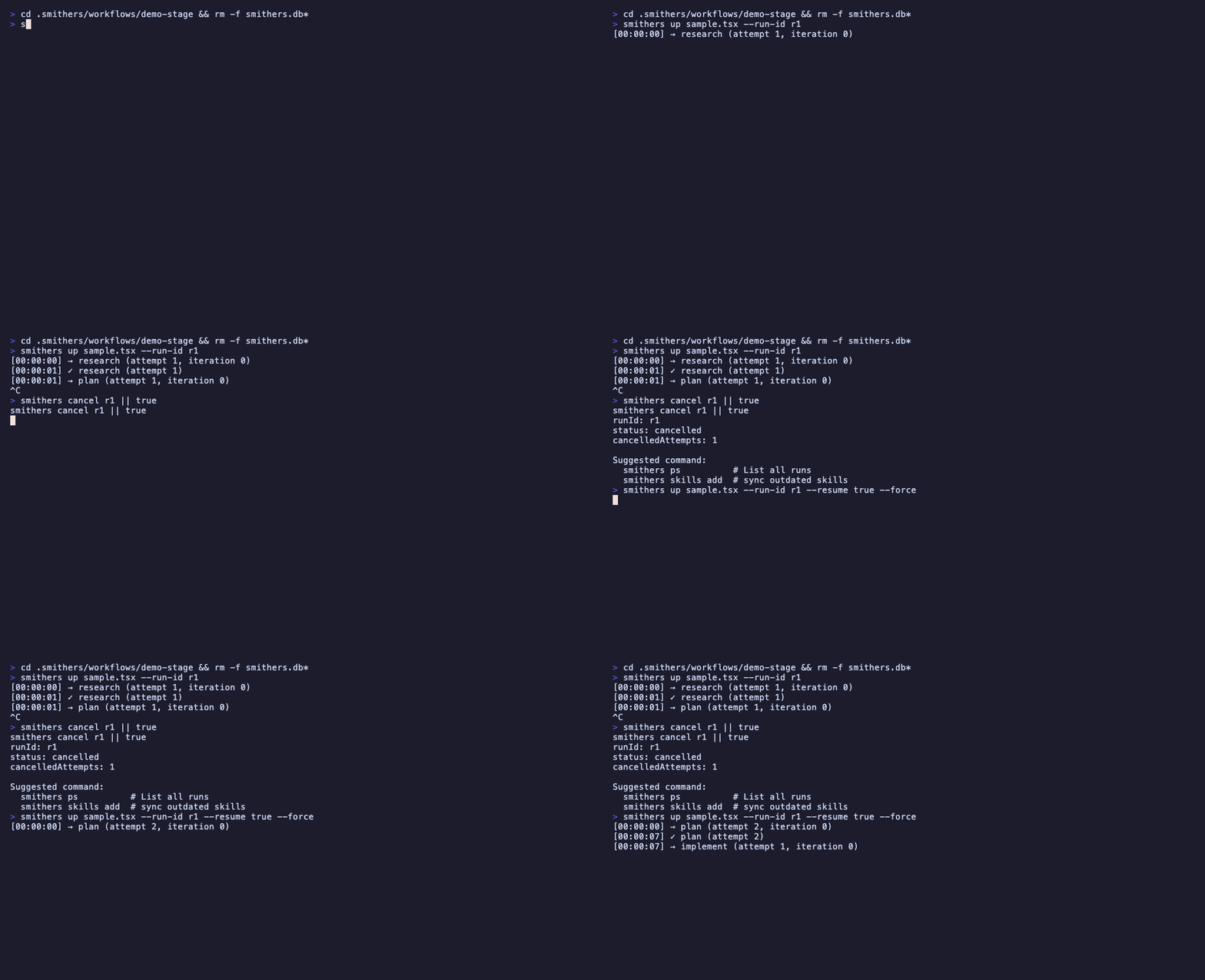
A run survives a crash mid-flight and picks up at the last completed step, with no re-doing finished work.
“Kick off the implement run. If my laptop sleeps, just resume it.”
2. It loops until true, not once-and-done
Smithers runs implement → check → review until a condition is met, not one swing and done. One-shot output is where slop comes from; a real exit condition is what gets you quality.“Keep implementing and re-running the tests until they all pass.”
3. Approvals: a paused run is just a row in a database
Put a human in the loop: a run waiting for approval is a paused row in SQLite, costing nothing, no process burning, no timer, no idle compute, whether it waits a day or a week. Approve, and it resumes exactly where it stopped.“Plan the migration, then pause for my approval before touching the database.”
4. Time travel: rewind, fork, retry
Frames let you rewind to any earlier one, fork from there, and try a different approach without losing the original run: the first attempt becomes a branch you compare against, not a dead end. (Details: How It Works.)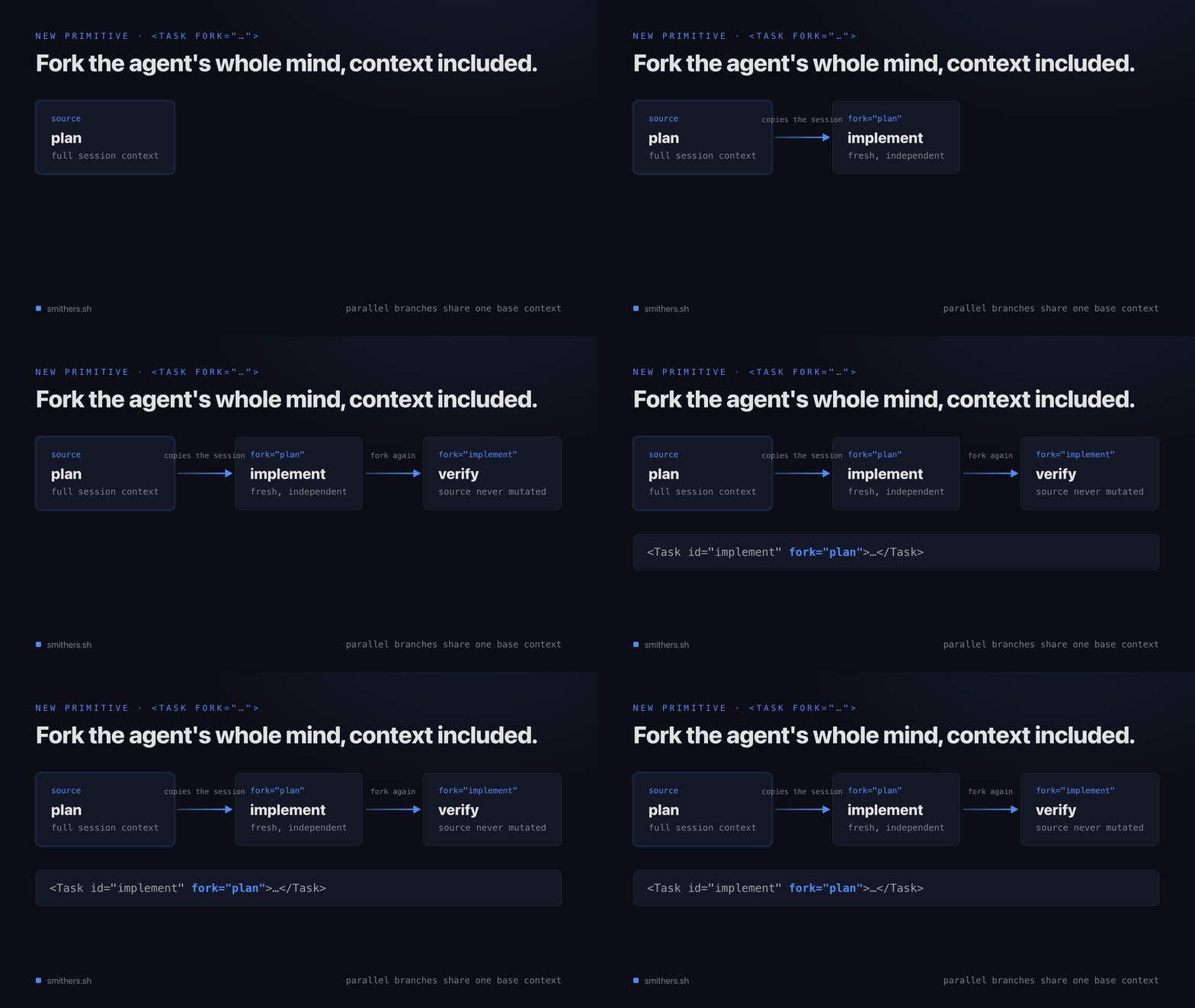
One run forks into two from a saved frame, so a failed approach becomes a branch you can retry instead of a dead end.
“Rewind that run to before the refactor and try a different approach.”
5. Any agent, any model
Any agent, any model, any machine: a frontier model plans while a cheaper one fans the work out, you pick the right brain for each step.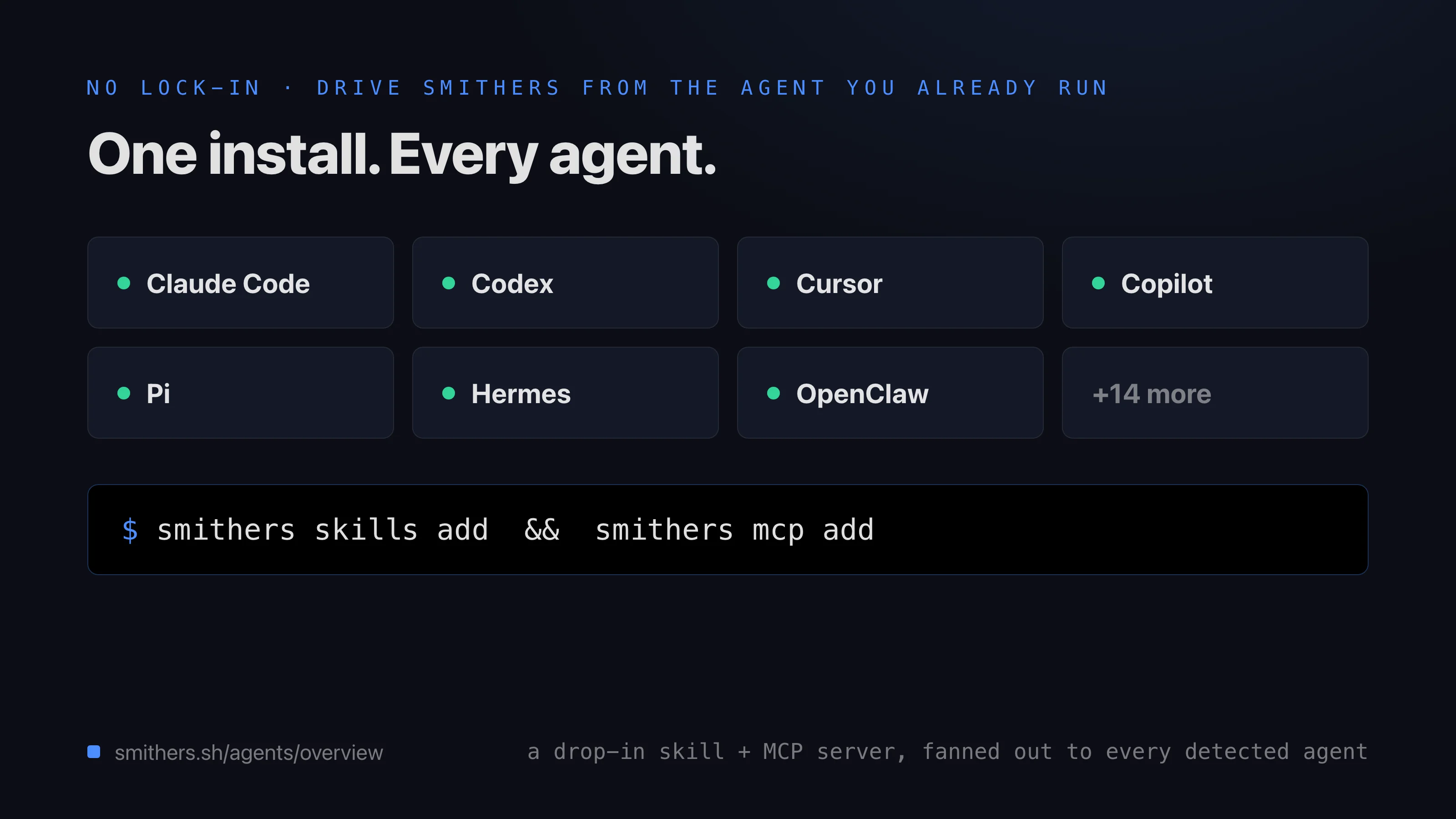
Plan with one model, implement with another, review with a third: Smithers routes each step to the model that fits it.
“Use a frontier model to plan, then fan the implementation out across cheaper models.”
6. Isolation: parallel work doesn’t collide
Each agent gets its own worktree or sandbox, so two editing the same repo don’t trample each other and the results merge back cleanly: ten tickets, ten worktrees, ten agents, no shared mutable mess. Thekanban workflow does exactly this.

The three-layer stack (your agent on top, the Smithers runtime in the middle, isolated execution underneath) is what keeps parallel agents from colliding.
“Work all the open tickets at once, each in its own branch.”
The one rule above all six: you drive it through your agent
You never hand-write any of this. You describe the work in plain English, and driving it through your agent is what renders the loop, the gate, the fan-out, the isolation. These six are the vocabulary for asking for exactly the run you want.Read next
Talk to your agent
How-to: how the conversation works, what to say, what comes back.
What you can do
Reference: curated authoring workflows, archived examples, the kinds of work you can hand off.
How It Works
Explanation (deeper): the render, execute, persist loop, frames, and resume, in detail.
Why React?
Explanation (deeper): why a JSX runtime, and why time travel comes for free.