> ## Documentation Index
> Fetch the complete documentation index at: https://smithers.sh/llms.txt
> Use this file to discover all available pages before exploring further.
# vcs
> Inspect and act on a git or jj working tree.
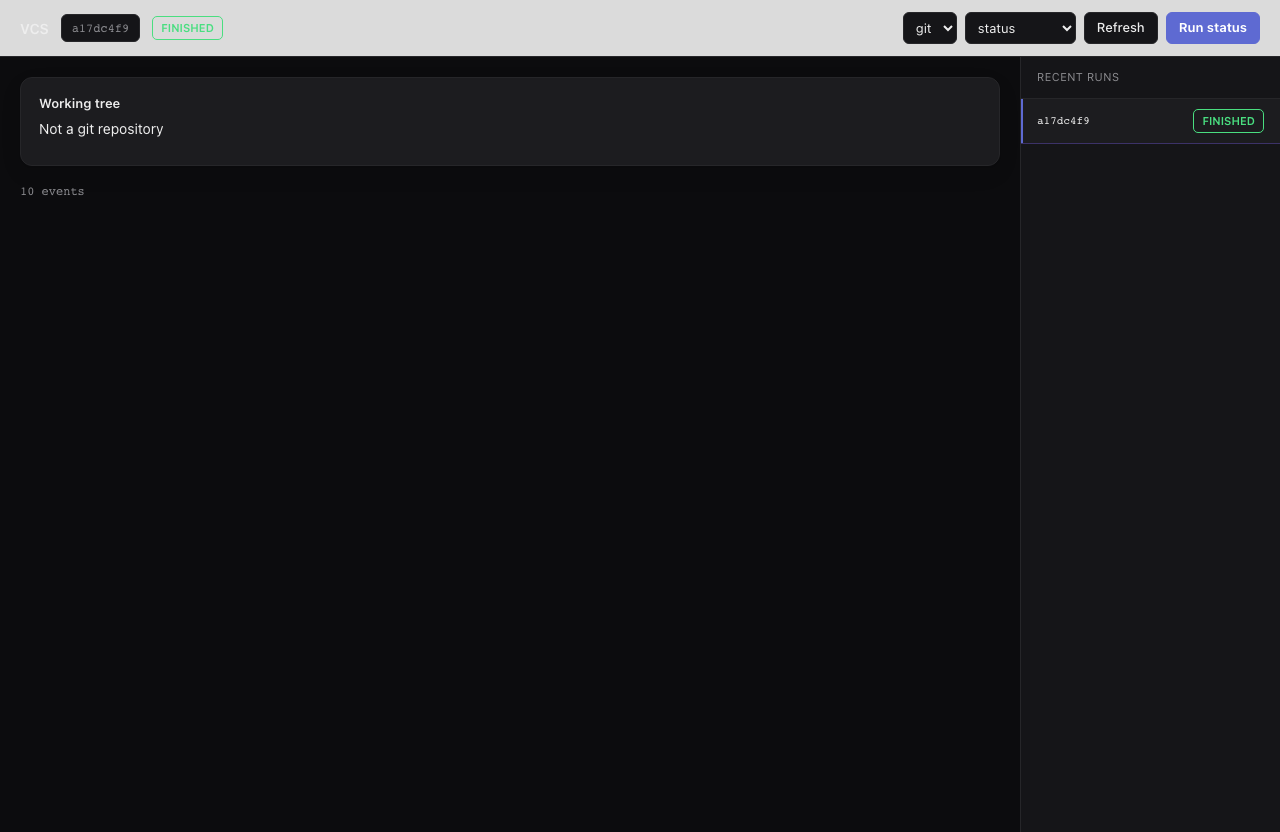
`vcs` is an archived example, not installed by `init` (copy it from `examples/init-pack/` with its dependency closure, or ask `create-workflow` to build an equivalent): a small dispatcher workflow over a git or jj working tree, detailed below under Actions. The Smithers UI launches it via `action`, but it runs from the CLI too.
```bash theme={"theme":{"light":"github-light","dark":"github-dark"}}
bunx smithers-orchestrator workflow run vcs --input '{"action":"status","vcs":"jj"}'
```
 ## Actions
* **status** (default): deterministic working-tree summary: tool, branch, head, clean flag, list of changes.
* **log**: deterministic recent-history summary (commit ids + subjects).
* **commit**: reads the diff; an agent writes a commit message and the command to apply it.
* **rebase-plan**: reads status and log; an agent proposes an ordered rebase plan.
## Inputs
| Input | Type | Default |
| -------- | ---------------------------------------------- | -------- |
| `action` | `status` \| `log` \| `commit` \| `rebase-plan` | `status` |
| `vcs` | `git` \| `jj` | `git` |
Smithers prefers `.jj` over `.git` in colocated repos; pure Git repos work without
JJ installed. See [Recipes](/recipes#vcs-revert--per-attempt-snapshots) for how
`vcs` relates to per-attempt snapshots and `revert`.
## Actions
* **status** (default): deterministic working-tree summary: tool, branch, head, clean flag, list of changes.
* **log**: deterministic recent-history summary (commit ids + subjects).
* **commit**: reads the diff; an agent writes a commit message and the command to apply it.
* **rebase-plan**: reads status and log; an agent proposes an ordered rebase plan.
## Inputs
| Input | Type | Default |
| -------- | ---------------------------------------------- | -------- |
| `action` | `status` \| `log` \| `commit` \| `rebase-plan` | `status` |
| `vcs` | `git` \| `jj` | `git` |
Smithers prefers `.jj` over `.git` in colocated repos; pure Git repos work without
JJ installed. See [Recipes](/recipes#vcs-revert--per-attempt-snapshots) for how
`vcs` relates to per-attempt snapshots and `revert`.