> ## Documentation Index
> Fetch the complete documentation index at: https://smithers.sh/llms.txt
> Use this file to discover all available pages before exploring further.
# research
> Gather repo and external context for a request.
`research` is an archived example, not installed by `init`. Copy it from `examples/init-pack/` with its dependency closure, or ask `create-workflow` for one, then run it:
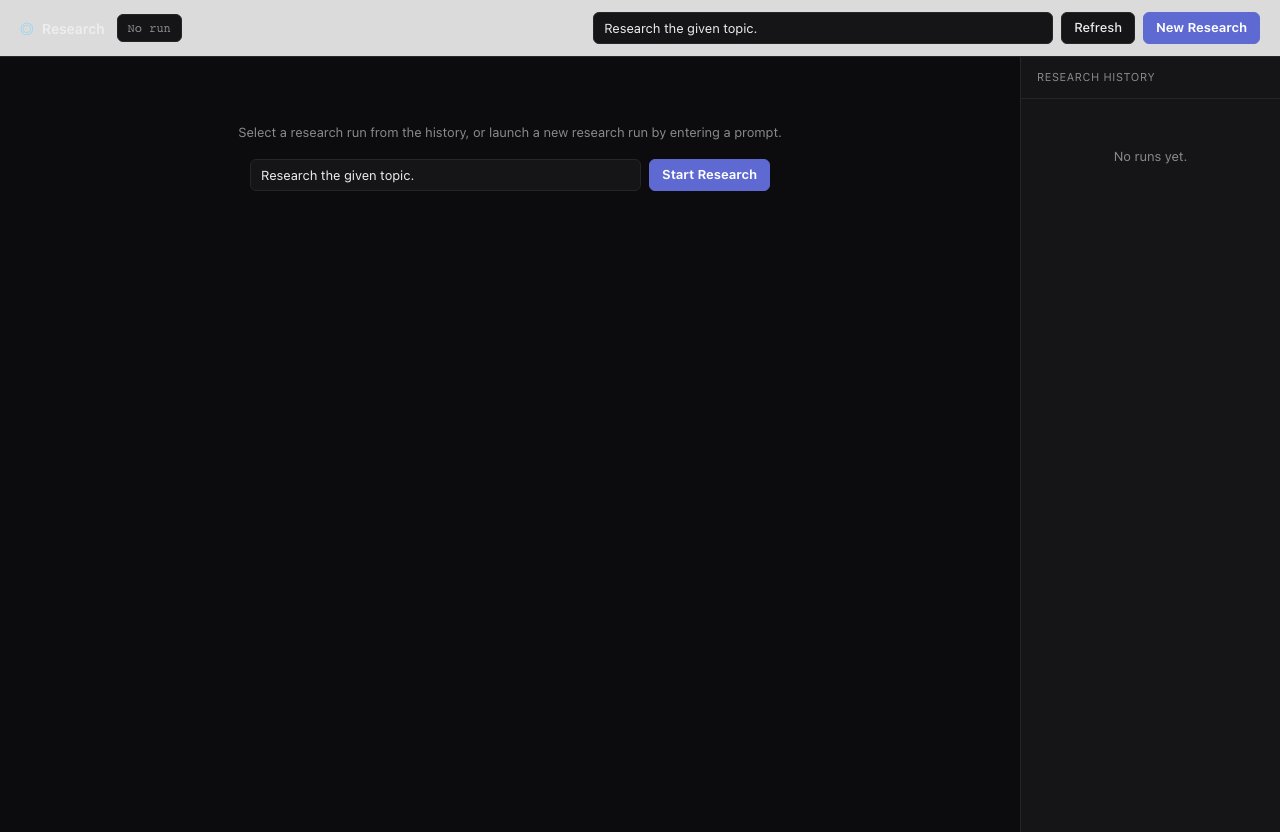
`research` asks a tool-capable agent to inspect the repo and gather context before planning or implementation.
```bash theme={"theme":{"light":"github-light","dark":"github-dark"}}
bunx smthrs workflow run research --prompt "How should we add audit logs?"
```
 ## Inputs
| Input | Type | Default |
| -------- | ------ | ----------------------------- |
| `prompt` | string | `"Research the given topic."` |
## Use it when
* The task touches unfamiliar code, or external docs and dependency behavior matter.
* Want file references and prior art before committing to a plan (follow with `plan` or `mission`).
## Use something else when
* Already have enough context and just need a plan: use [`plan`](/workflows/plan).
* Ready to build: use [`research-plan-implement`](/workflows/research-plan-implement), which runs this research step for you.
## Resume & retry
`research` is read-only: it gathers context without changing the repo and returns it in the output. Runs are durable and resume with `up --resume`.
## Inputs
| Input | Type | Default |
| -------- | ------ | ----------------------------- |
| `prompt` | string | `"Research the given topic."` |
## Use it when
* The task touches unfamiliar code, or external docs and dependency behavior matter.
* Want file references and prior art before committing to a plan (follow with `plan` or `mission`).
## Use something else when
* Already have enough context and just need a plan: use [`plan`](/workflows/plan).
* Ready to build: use [`research-plan-implement`](/workflows/research-plan-implement), which runs this research step for you.
## Resume & retry
`research` is read-only: it gathers context without changing the repo and returns it in the output. Runs are durable and resume with `up --resume`.