> ## Documentation Index
> Fetch the complete documentation index at: https://smithers.sh/llms.txt
> Use this file to discover all available pages before exploring further.
# ralph
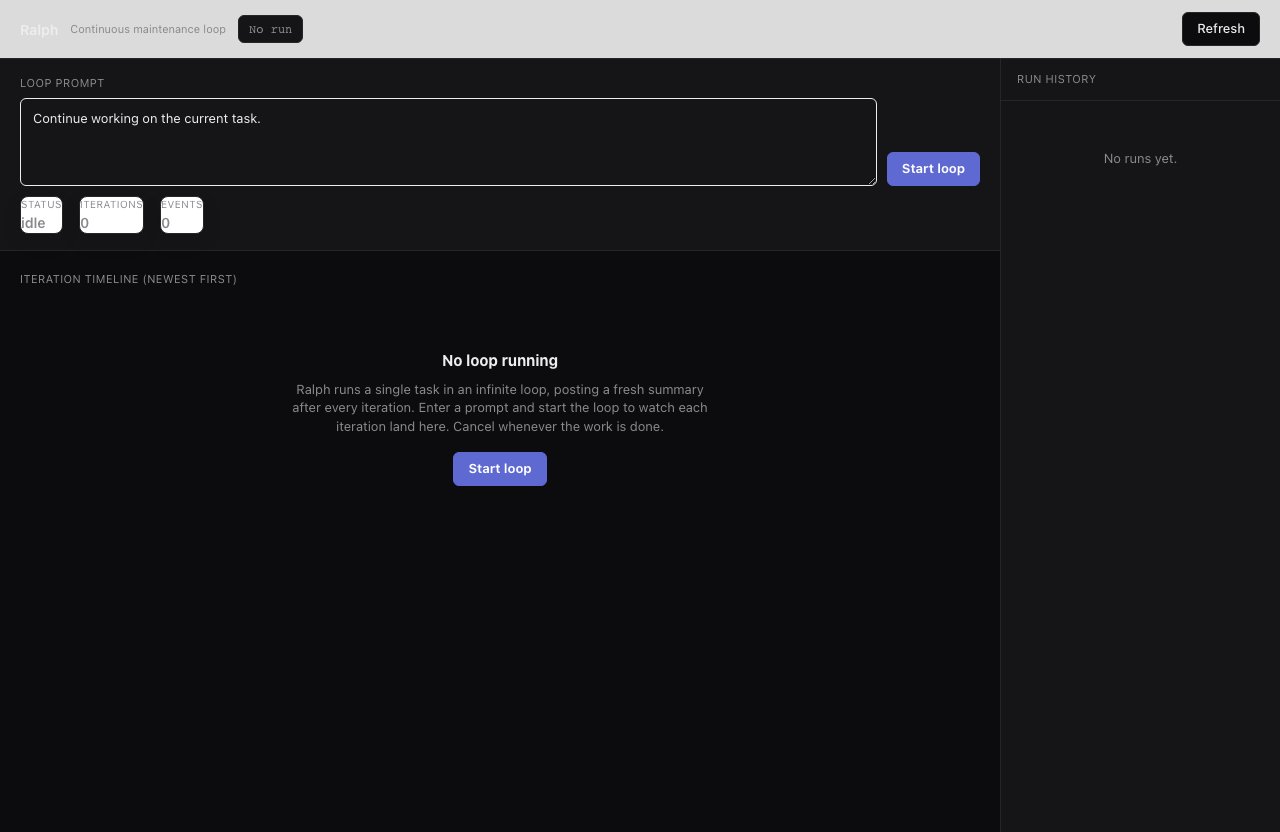
> Keep an agent continuously working on a prompt.
`ralph` is an archived example, not installed by `init`. Copy it from
`examples/init-pack/` with its dependency closure, or ask `create-workflow`
for a bounded variant. Once installed, it repeatedly runs the configured
smart agent on your prompt.
```bash theme={"theme":{"light":"github-light","dark":"github-dark"}}
bunx smthrs workflow run ralph --prompt "Continue reducing flaky tests"
```
 ## Inputs
| Input | Type | Default |
| -------- | ------ | ----------------------------------------- |
| `prompt` | string | `"Continue working on the current task."` |
## Use it when
* An open-ended prompt with no fixed finish line benefits from continuous iteration (reducing flaky tests, chipping at tech debt).
## Use something else when
* The work has a clear definition of done: use [`implement`](/workflows/implement) or [`mission`](/workflows/mission).
* Need review gates or validation each pass: use a validation-loop workflow such as [`implement`](/workflows/implement).
## Resume & retry
`ralph` won't stop on its own: cancel it with `bunx smthrs cancel RUN_ID` when enough work is done, or configure a `maxIterations` limit in your workflow file. Runs are durable and resume with `up --resume`.
## Inputs
| Input | Type | Default |
| -------- | ------ | ----------------------------------------- |
| `prompt` | string | `"Continue working on the current task."` |
## Use it when
* An open-ended prompt with no fixed finish line benefits from continuous iteration (reducing flaky tests, chipping at tech debt).
## Use something else when
* The work has a clear definition of done: use [`implement`](/workflows/implement) or [`mission`](/workflows/mission).
* Need review gates or validation each pass: use a validation-loop workflow such as [`implement`](/workflows/implement).
## Resume & retry
`ralph` won't stop on its own: cancel it with `bunx smthrs cancel RUN_ID` when enough work is done, or configure a `maxIterations` limit in your workflow file. Runs are durable and resume with `up --resume`.