> ## Documentation Index
> Fetch the complete documentation index at: https://smithers.sh/llms.txt
> Use this file to discover all available pages before exploring further.
# grill-me
> Stress-test a vague idea with agent-led questions.
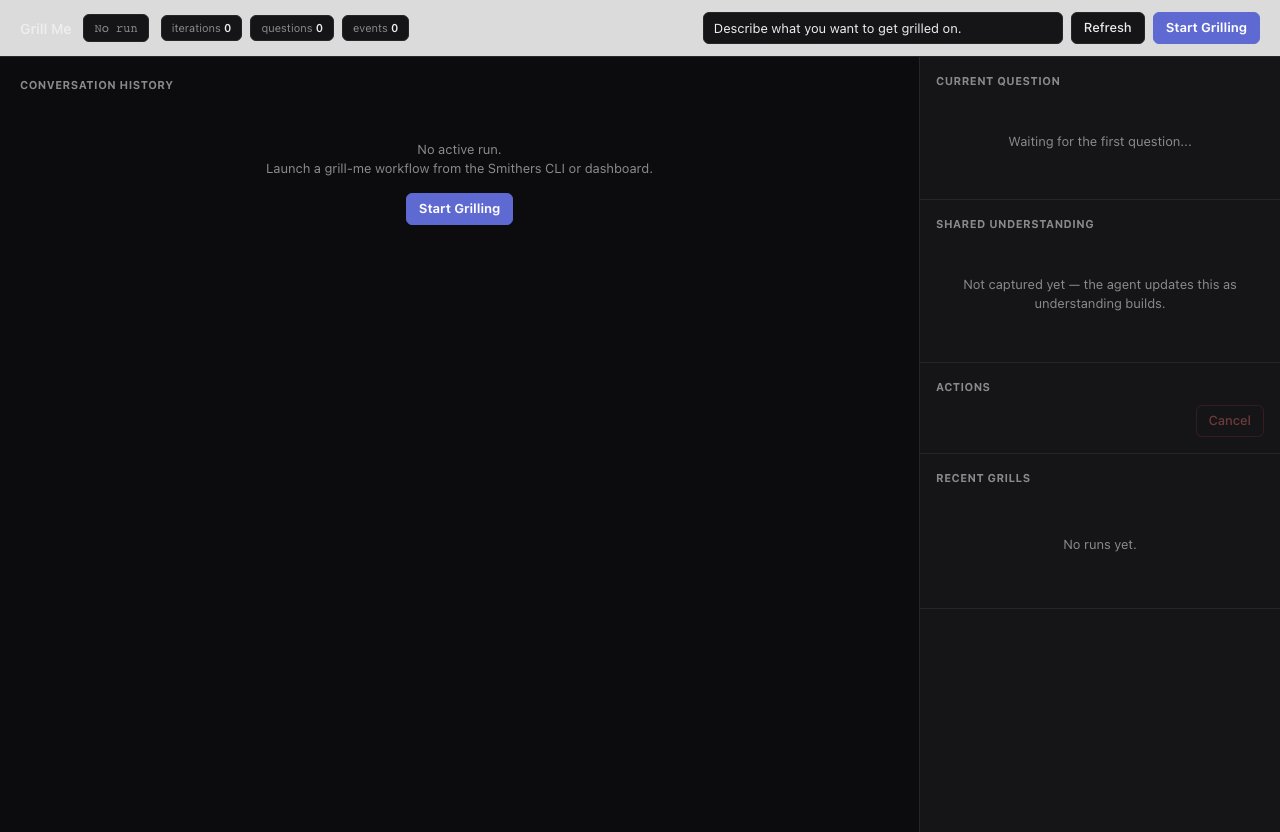
`grill-me` is archived (not installed by `init`): copy it from `examples/init-pack/` with its dependency closure, or ask `create-workflow` to build an equivalent. It runs an interview loop: the agent asks questions via `.smithers/scripts/ask-user.ts`, records answers, and keeps iterating until the request is actionable. Answers accumulate in the run context, available to later tasks in the same run or as input to `tickets-create`.
```bash theme={"theme":{"light":"github-light","dark":"github-dark"}}
bunx smthrs workflow run grill-me --prompt "I want to improve onboarding"
```
 ## Inputs
| Input | Type | Default |
| --------------- | ------ | --------------------------------------------- |
| `prompt` | string | `"Describe what you want to get grilled on."` |
| `maxIterations` | number | `30` |
## Use it when
* Requirements are vague and you want an agent to interrogate them first.
* You want answers captured in the run for [`plan`](/workflows/plan) or [`tickets-create`](/workflows/tickets-create) to consume.
## Use something else when
* Requirements are already clear: go straight to [`plan`](/workflows/plan) or [`implement`](/workflows/implement).
## Resume & retry
Loops up to `maxIterations` (default 30). Runs are durable and resume with `up --resume`.
## Inputs
| Input | Type | Default |
| --------------- | ------ | --------------------------------------------- |
| `prompt` | string | `"Describe what you want to get grilled on."` |
| `maxIterations` | number | `30` |
## Use it when
* Requirements are vague and you want an agent to interrogate them first.
* You want answers captured in the run for [`plan`](/workflows/plan) or [`tickets-create`](/workflows/tickets-create) to consume.
## Use something else when
* Requirements are already clear: go straight to [`plan`](/workflows/plan) or [`implement`](/workflows/implement).
## Resume & retry
Loops up to `maxIterations` (default 30). Runs are durable and resume with `up --resume`.