> ## Documentation Index
> Fetch the complete documentation index at: https://smithers.sh/llms.txt
> Use this file to discover all available pages before exploring further.
# feature-enum
> Generate or refine a code-backed feature inventory.
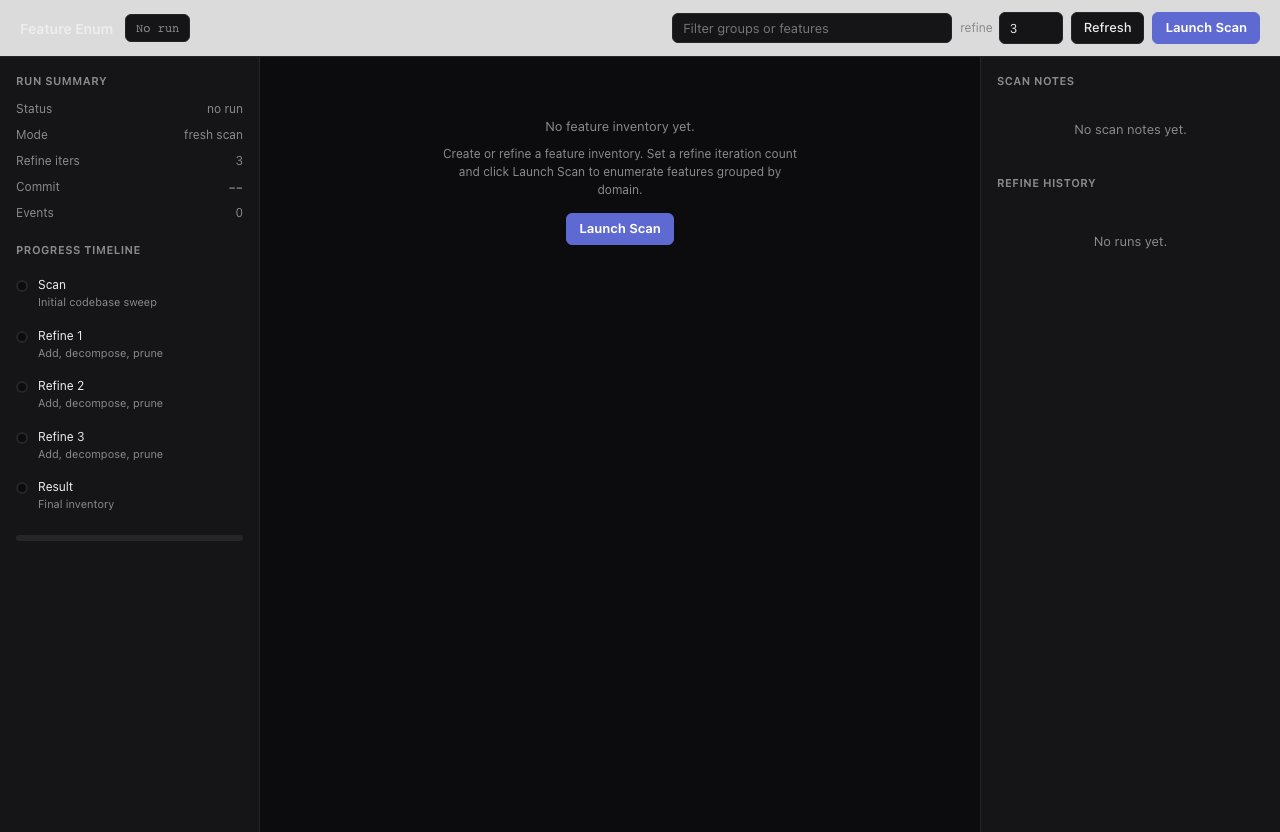
`feature-enum` is archived (not installed by `init`): copy it from `examples/init-pack/` with its dependency closure, or ask `create-workflow` to build an equivalent. It scans the repository and produces grouped, SCREAMING\_SNAKE\_CASE feature names, and can refine an existing inventory from prior feature groups and a commit hash.
```bash theme={"theme":{"light":"github-light","dark":"github-dark"}}
bunx smthrs workflow run feature-enum --input '{"refineIterations":3}'
```
 ## Inputs
| Input | Type | Default |
| ------------------- | ---------------------------------- | ------- |
| `refineIterations` | integer | `1` |
| `existingFeatures` | `Record` or null | `null` |
| `lastCommitHash` | string or null | `null` |
| `additionalContext` | string | `""` |
## Use it when
* You need a feature inventory for audits, or stable feature names for documentation, tests, or release planning.
* You want an agent to compare the current repo against a previous inventory.
Follow with `audit`.
## Use something else when
* You already have a feature map and want to evaluate it: go straight to [`audit`](/workflows/audit).
## Resume & retry
Returns a feature inventory in the run output (nothing written to disk); runs are durable, resuming with `up --resume`.
## Inputs
| Input | Type | Default |
| ------------------- | ---------------------------------- | ------- |
| `refineIterations` | integer | `1` |
| `existingFeatures` | `Record` or null | `null` |
| `lastCommitHash` | string or null | `null` |
| `additionalContext` | string | `""` |
## Use it when
* You need a feature inventory for audits, or stable feature names for documentation, tests, or release planning.
* You want an agent to compare the current repo against a previous inventory.
Follow with `audit`.
## Use something else when
* You already have a feature map and want to evaluate it: go straight to [`audit`](/workflows/audit).
## Resume & retry
Returns a feature inventory in the run output (nothing written to disk); runs are durable, resuming with `up --resume`.