> ## Documentation Index
> Fetch the complete documentation index at: https://smithers.sh/llms.txt
> Use this file to discover all available pages before exploring further.
# What You Can Do
> Say the outcome you want. Your agent picks a proven Smithers workflow and runs it for you.
You talk to your coding agent instead of writing workflows or running the CLI yourself. It uses `create-workflow` to author the durable recipe you need, or copies a matching pattern from `examples/init-pack/` (patterns `init` doesn't install), then drives it to a validated result. This page catalogs those patterns: each row pairs what you say with what Smithers runs. For everything *around* a run (plugging in your own logging, alerting, time travel, memory, evals, accounts, packs), see [Platform Capabilities](/guide/capabilities).
## Build
You know what you want shipped. These workflows enforce a build-check-review loop, turning requests into validated, reviewed code instead of first drafts.
| You say | Smithers runs |
| -------------------------------------------------------------------------------------------------------- | ------------------------------------------------------------------------------------------------------------ |
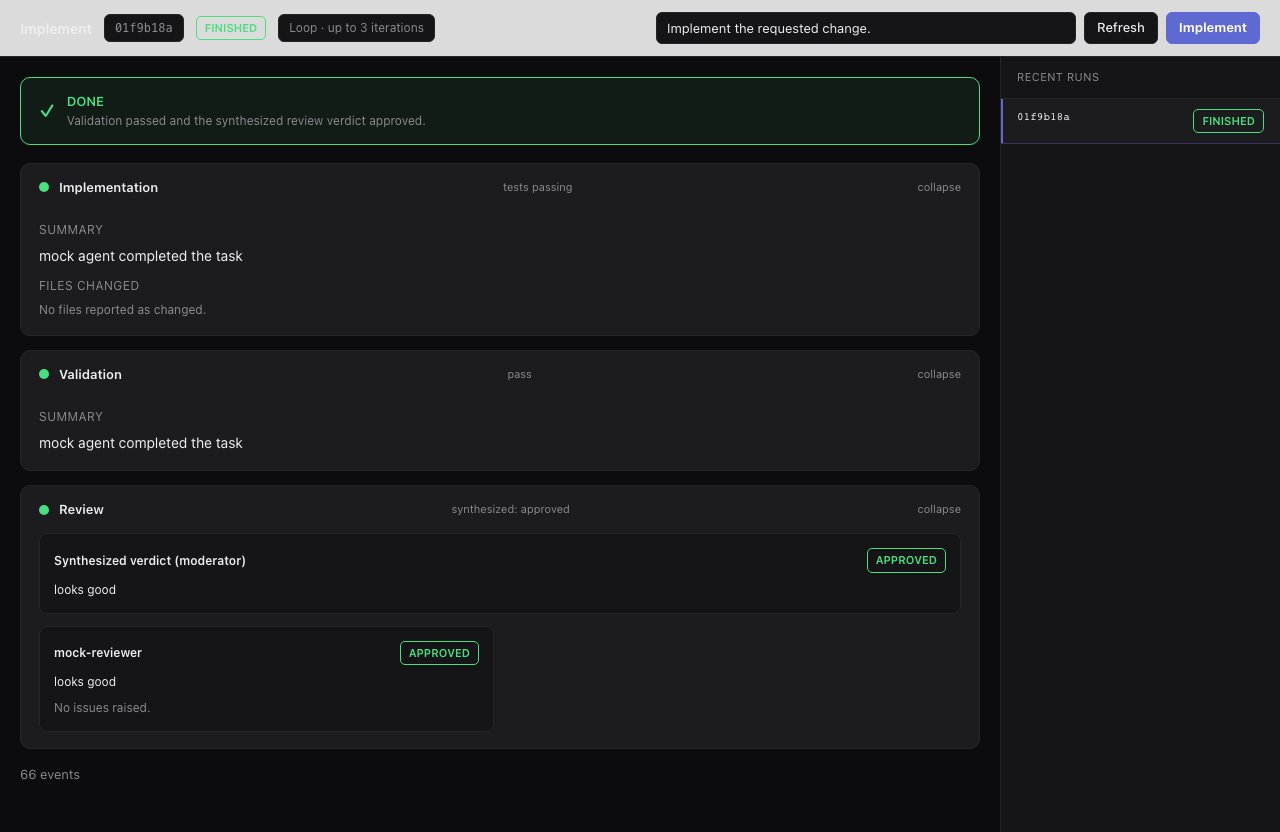
| "Add rate limiting to the API. Don't stop until it builds, validates, and passes review." | [`implement`](/workflows/implement): implement, validate, review, loop on failures. |
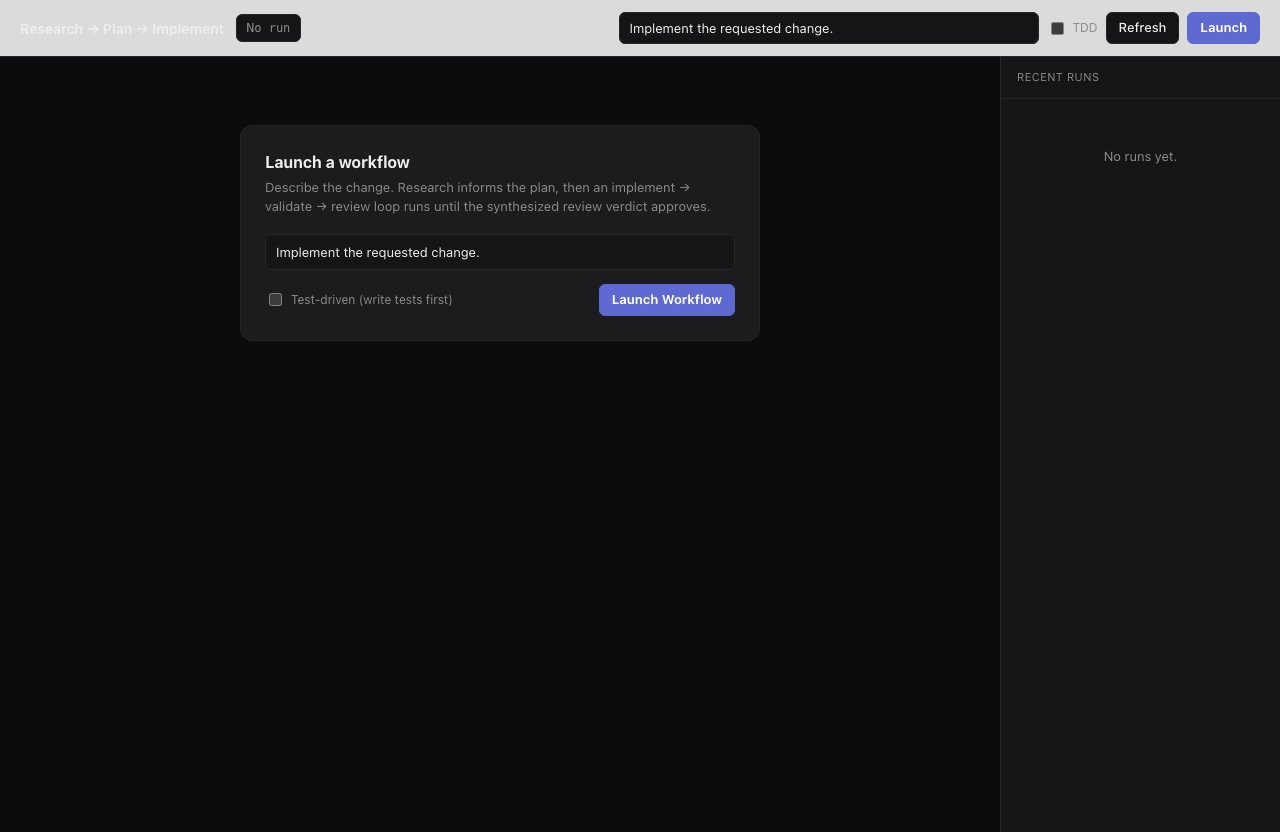
| "Replace the auth cookie format: research the code, plan, then implement test-first." | [`research-plan-implement`](/workflows/research-plan-implement): research, plan, the same validation loop. |
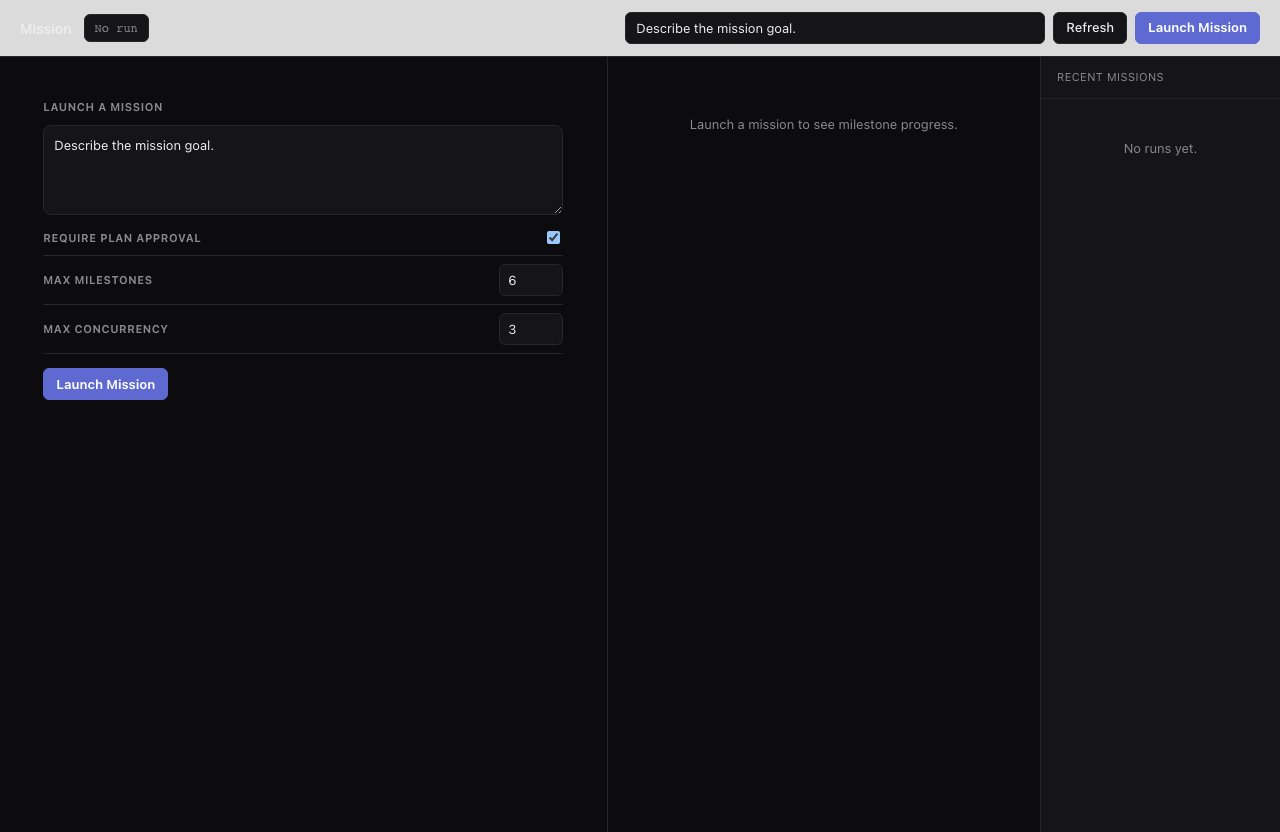
| "Migrate the dashboard to the new gateway APIs. Show me the milestone plan first, then work through it." | [`mission`](/workflows/mission): milestone plan, your approval, focused workers per milestone. |
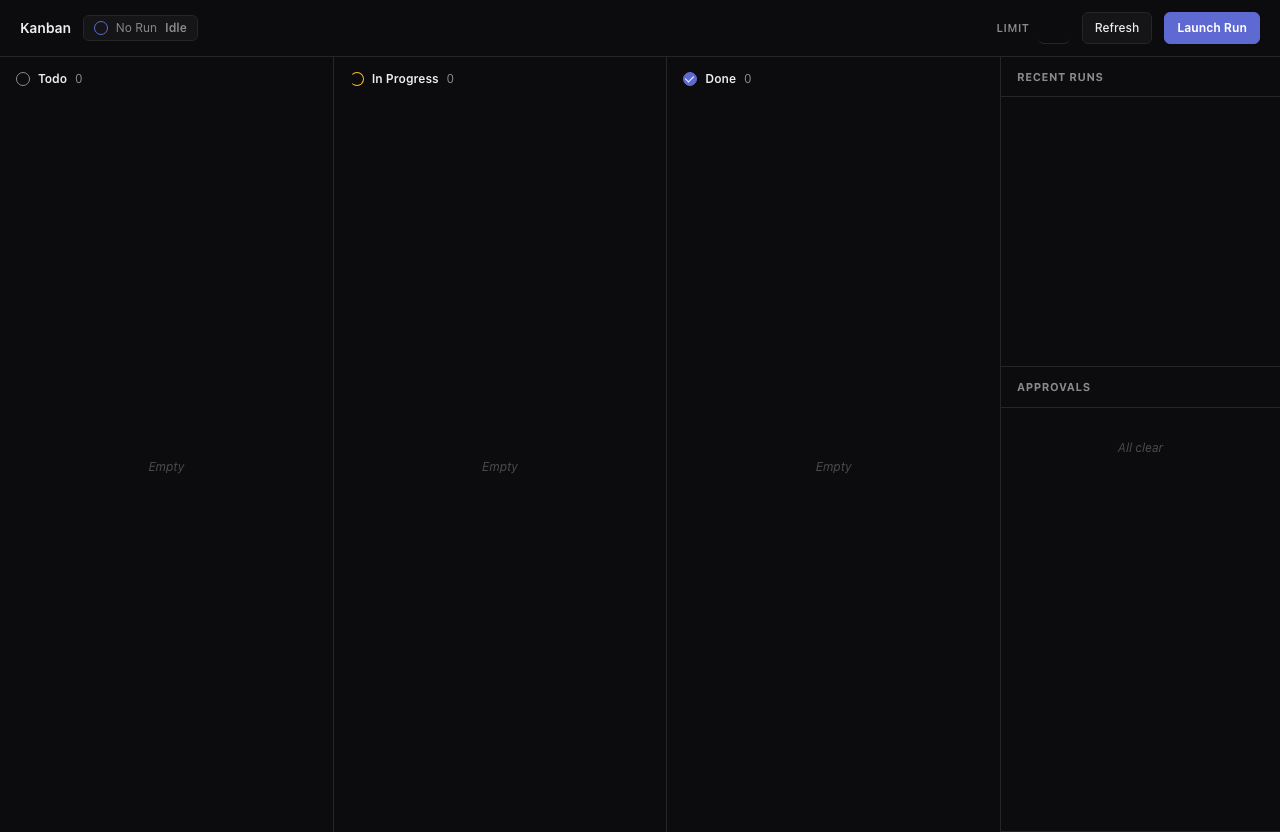
| "Take my backlog tickets: implement each on its own branch, merge the ones that pass." | [`kanban`](/workflows/kanban): one worktree branch per ticket, merge the ones that validate and pass review. |
 ## Plan
Shape the work before any code is written: plans, tickets, sharper requirements, no repo changes.
| You say | Smithers runs |
| ---------------------------------------------------------------------------------------- | ------------------------------------------------------------------------------------------------------------------------------------- |
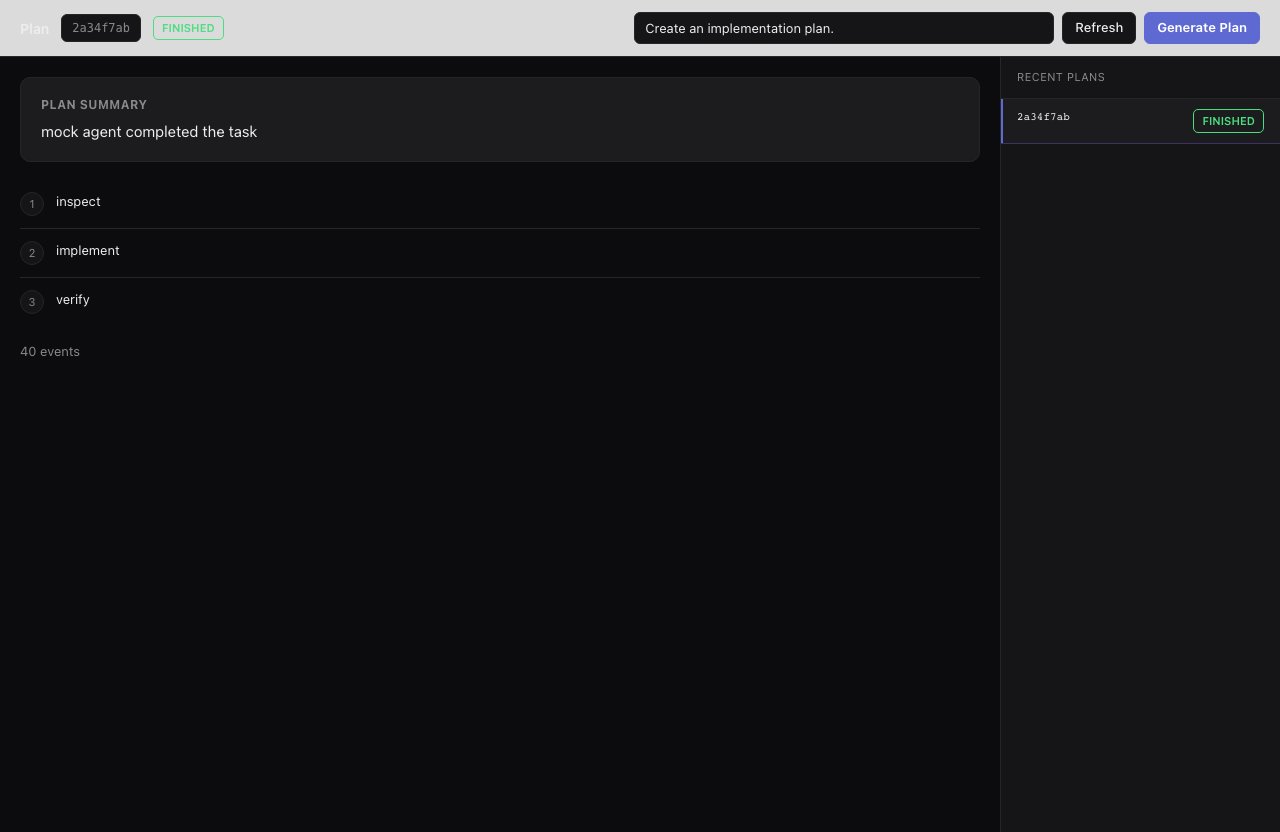
| "Give me an ordered plan for account-level billing limits. Don't touch the code." | [`plan`](/workflows/plan): a structured, ordered implementation plan, no repo changes. |
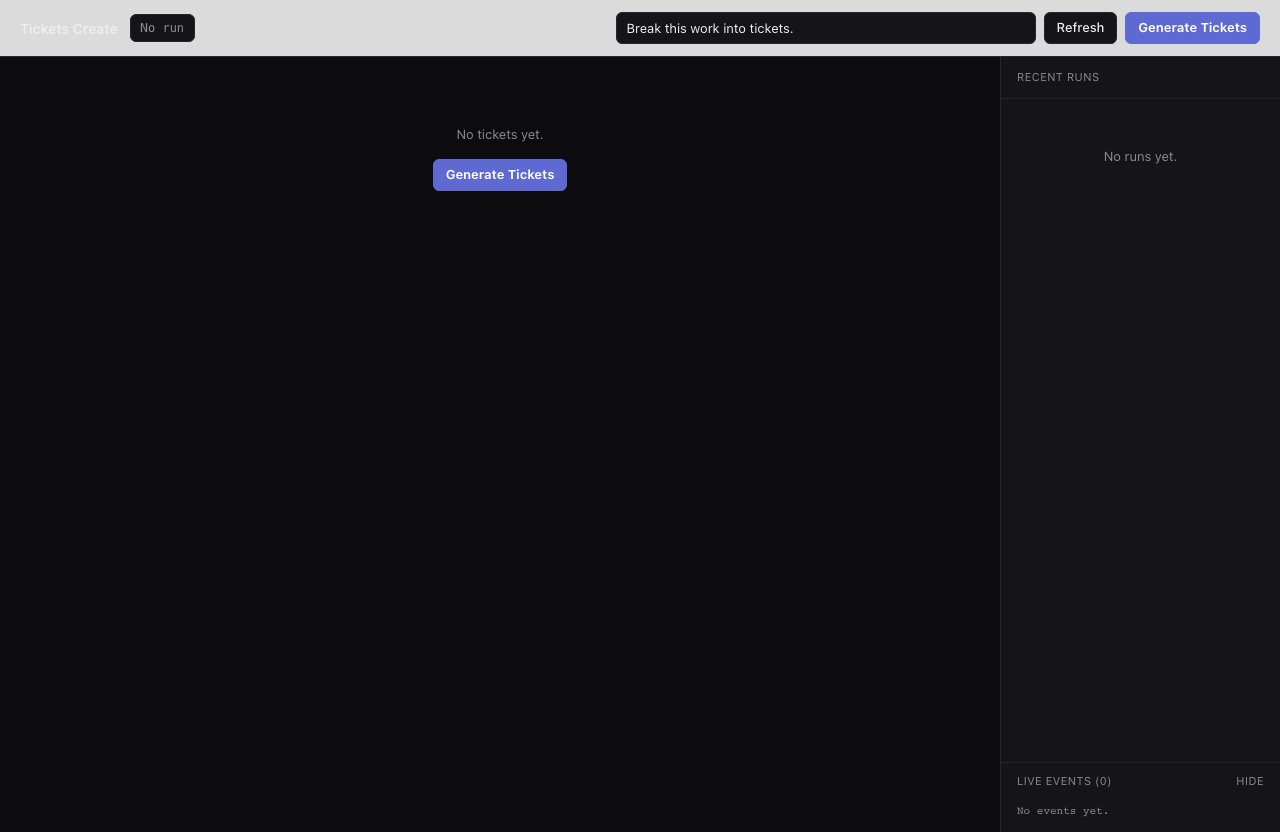
| "Break the billing admin section into tickets with acceptance criteria." | [`tickets-create`](/workflows/tickets-create): decompose the request into tickets with titles, descriptions, and acceptance criteria. |
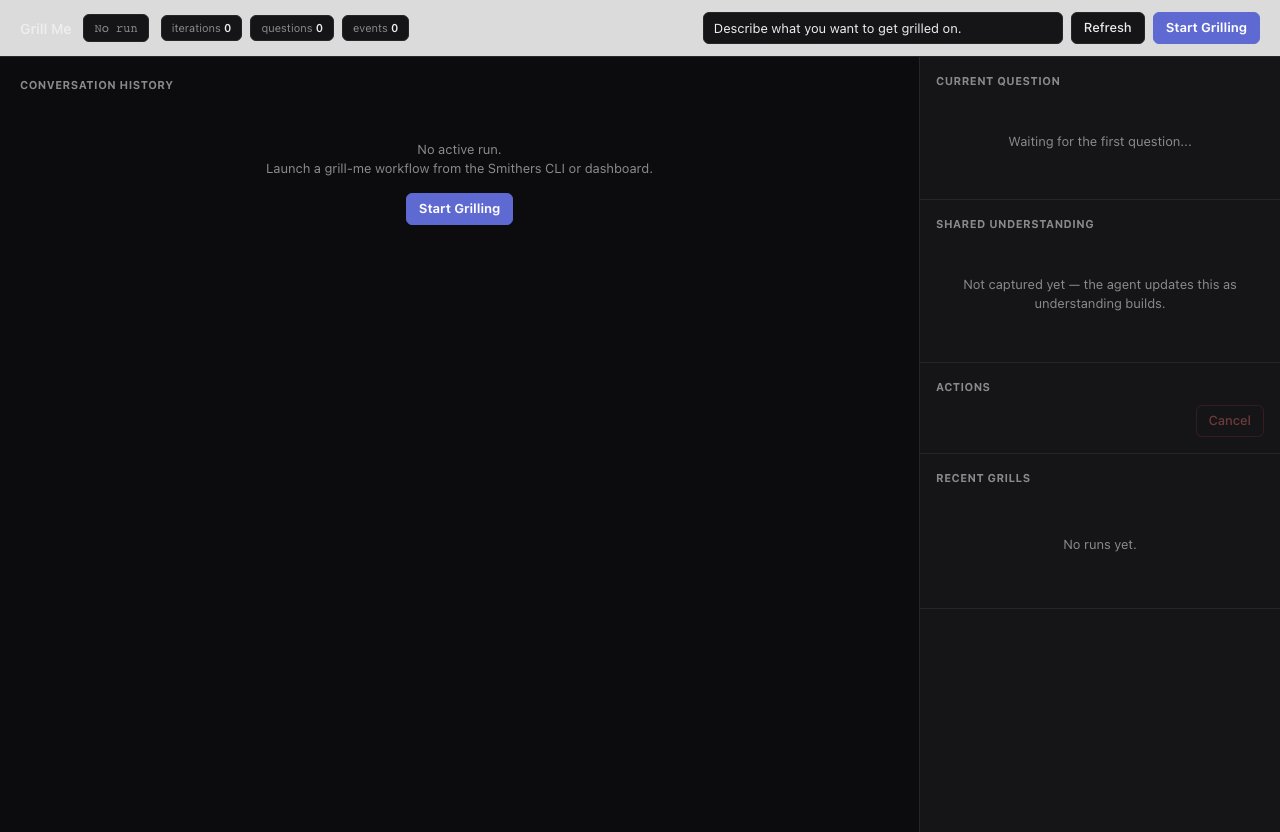
| "Improve onboarding, but I haven't thought it through: interrogate me until it's clear." | [`grill-me`](/workflows/grill-me): an interview loop that questions you until the request is clear. |
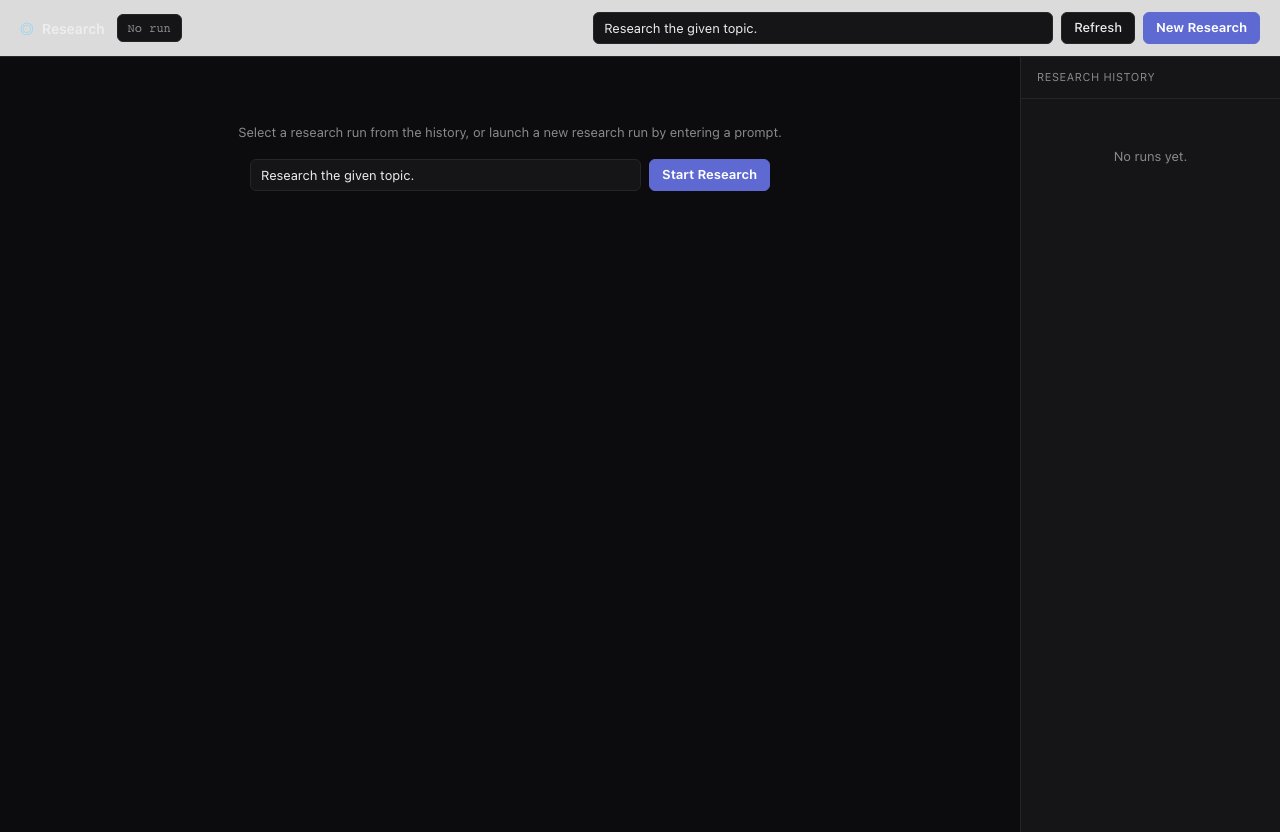
| "How should we add audit logs? Inspect the repo and gather context first." | [`research`](/workflows/research): a tool-capable agent inspects code and external docs for prior art and file references. |
## Plan
Shape the work before any code is written: plans, tickets, sharper requirements, no repo changes.
| You say | Smithers runs |
| ---------------------------------------------------------------------------------------- | ------------------------------------------------------------------------------------------------------------------------------------- |
| "Give me an ordered plan for account-level billing limits. Don't touch the code." | [`plan`](/workflows/plan): a structured, ordered implementation plan, no repo changes. |
| "Break the billing admin section into tickets with acceptance criteria." | [`tickets-create`](/workflows/tickets-create): decompose the request into tickets with titles, descriptions, and acceptance criteria. |
| "Improve onboarding, but I haven't thought it through: interrogate me until it's clear." | [`grill-me`](/workflows/grill-me): an interview loop that questions you until the request is clear. |
| "How should we add audit logs? Inspect the repo and gather context first." | [`research`](/workflows/research): a tool-capable agent inspects code and external docs for prior art and file references. |
 ## Quality
Make existing work stronger: review it, fix bugs at the root, raise coverage, audit the whole repo for gaps.
| You say | Smithers runs |
| --------------------------------------------------------------------------------------------------- | ------------------------------------------------------------------------------------------------------------------------------------------------------ |
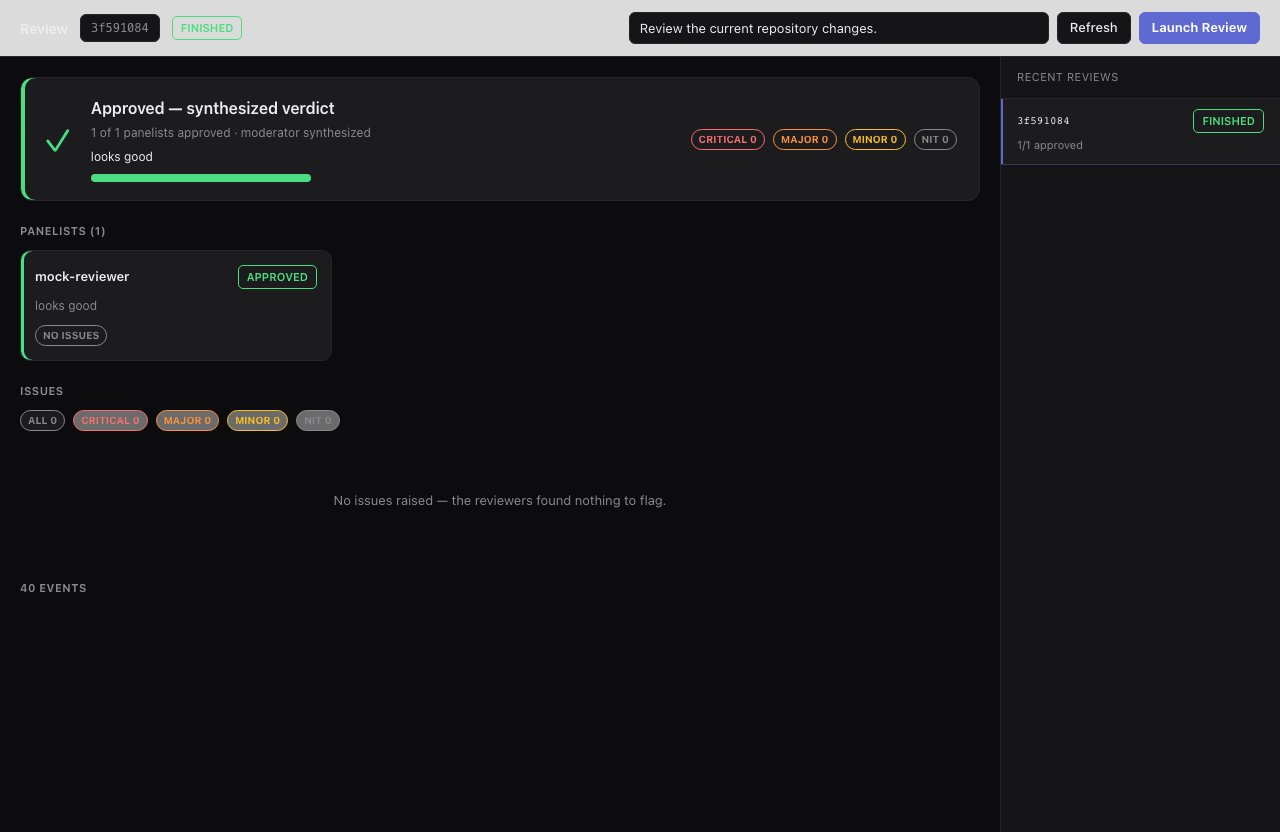
| "Review my changes and tell me if they're production-ready, with specifics." | [`review`](/workflows/review): configured reviewers return approval status and structured issues by severity. |
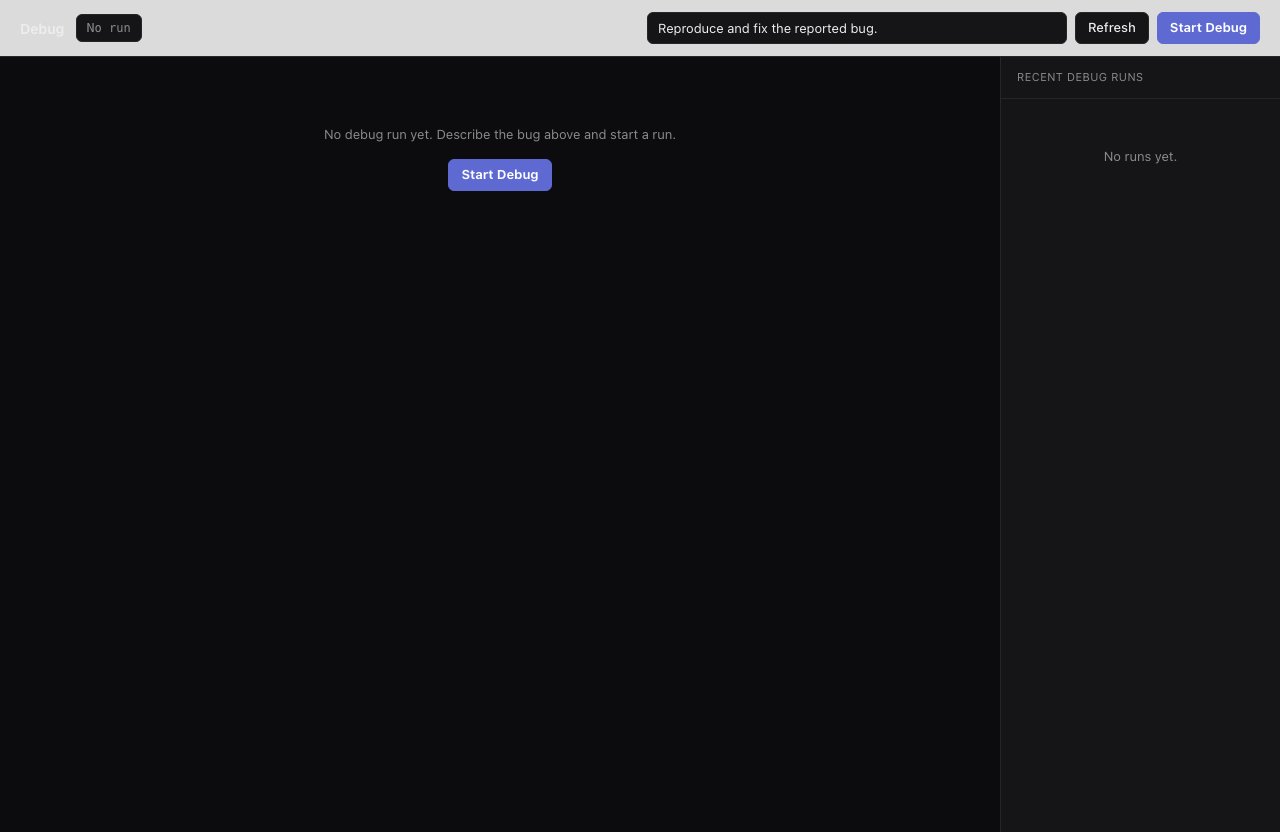
| "Fix the intermittent gateway reconnect failure: reproduce, fix, and verify it." | [`debug`](/workflows/debug): reproduce, fix, then run the full validation loop. |
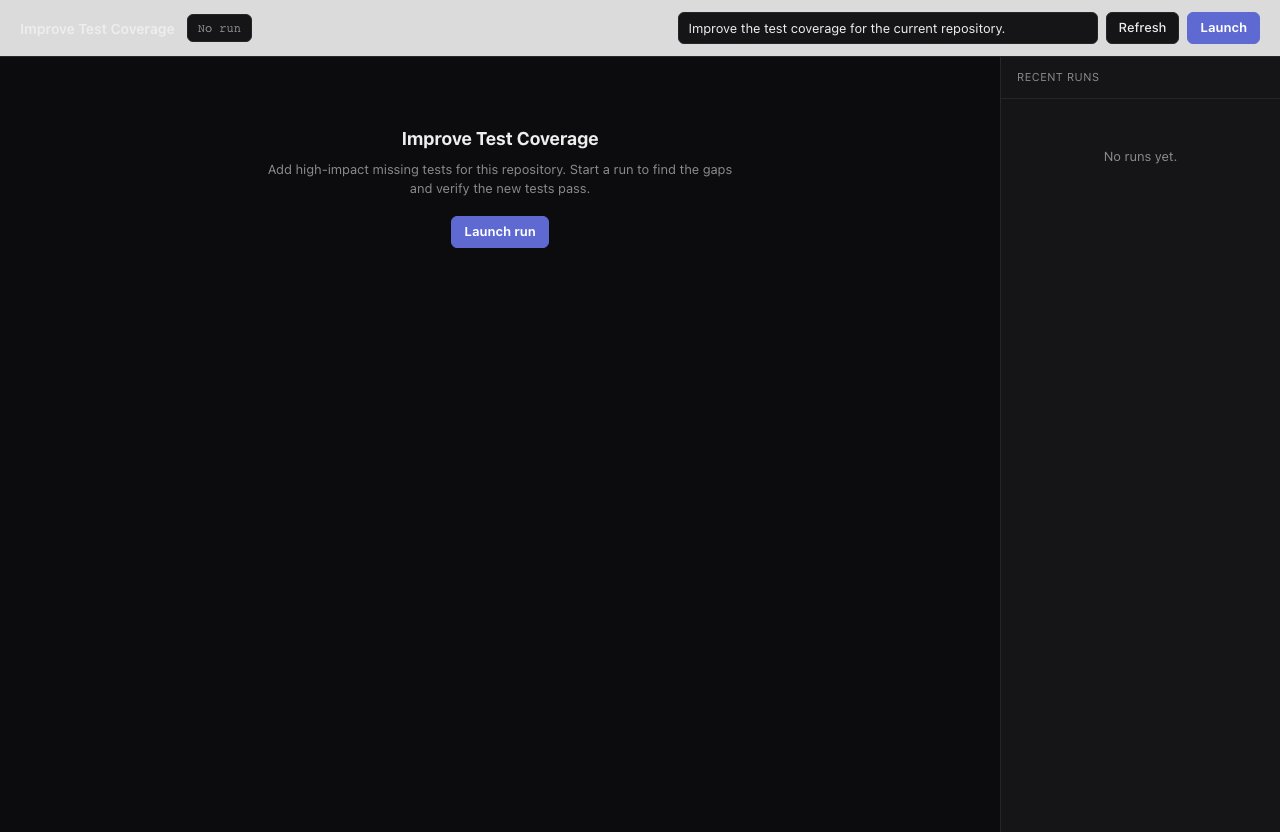
| "Add regression coverage for webhook signature failures; make sure the tests pass." | [`improve-test-coverage`](/workflows/improve-test-coverage): find high-impact test gaps and validate the new tests. |
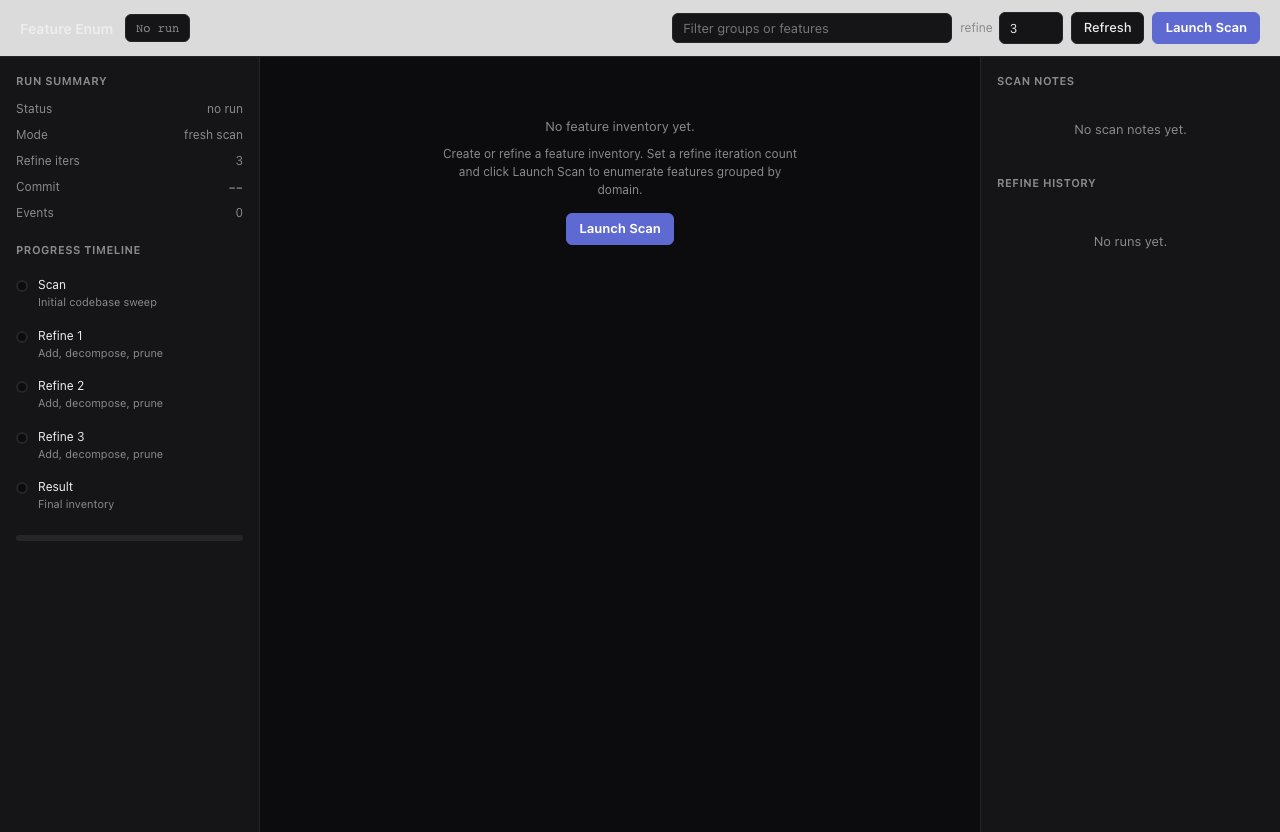
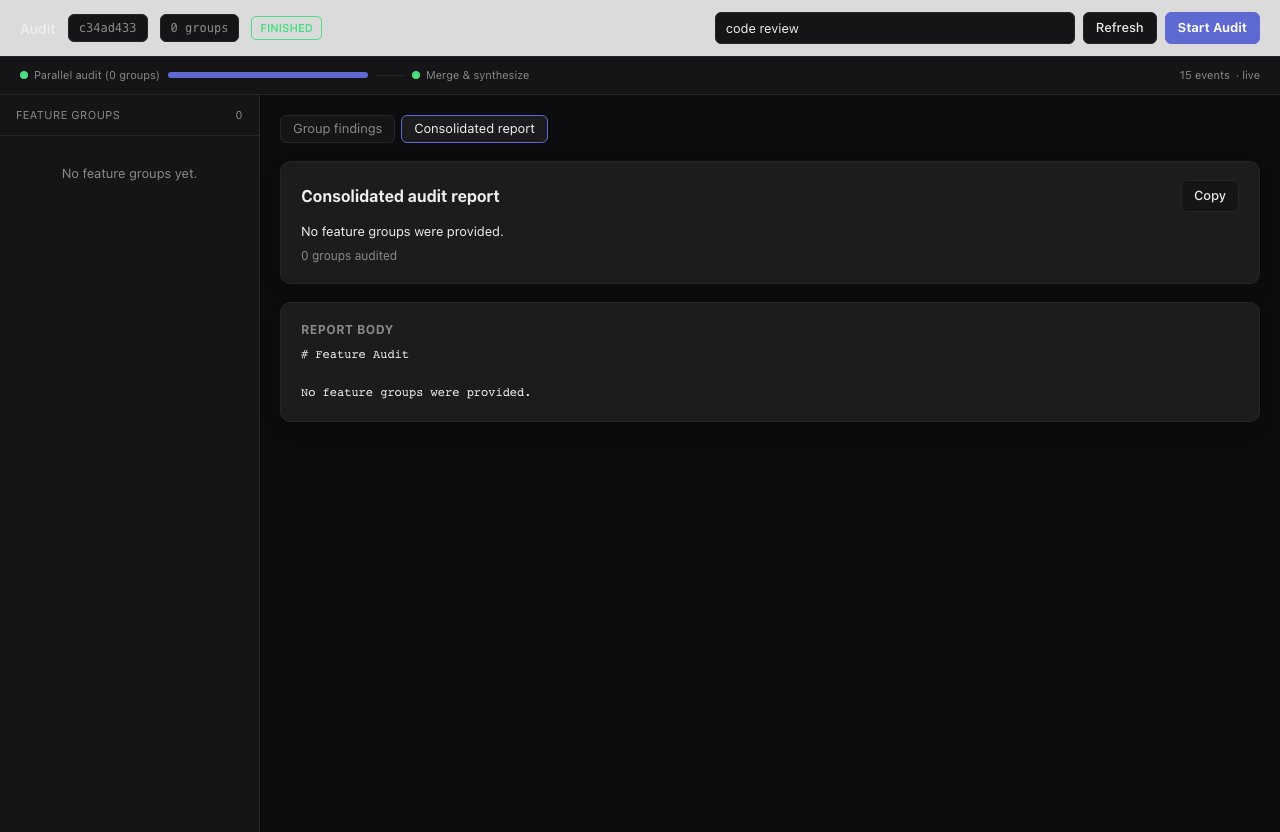
| "Inventory every feature in this repo, then audit each group for missing tests and error handling." | [`feature-enum`](/workflows/feature-enum) → [`audit`](/workflows/audit): build a code-backed feature map, then review each group in parallel for gaps. |
## Quality
Make existing work stronger: review it, fix bugs at the root, raise coverage, audit the whole repo for gaps.
| You say | Smithers runs |
| --------------------------------------------------------------------------------------------------- | ------------------------------------------------------------------------------------------------------------------------------------------------------ |
| "Review my changes and tell me if they're production-ready, with specifics." | [`review`](/workflows/review): configured reviewers return approval status and structured issues by severity. |
| "Fix the intermittent gateway reconnect failure: reproduce, fix, and verify it." | [`debug`](/workflows/debug): reproduce, fix, then run the full validation loop. |
| "Add regression coverage for webhook signature failures; make sure the tests pass." | [`improve-test-coverage`](/workflows/improve-test-coverage): find high-impact test gaps and validate the new tests. |
| "Inventory every feature in this repo, then audit each group for missing tests and error handling." | [`feature-enum`](/workflows/feature-enum) → [`audit`](/workflows/audit): build a code-backed feature map, then review each group in parallel for gaps. |
 ## Run while you're away
Smithers runs are durable: they survive crashes, restarts, and flaky tools, tracking what's done and what's next. Start something long-running, close the lid, come back to progress.
**Keep going until you stop it.** Say:
> "Keep working on reducing flaky tests. Don't stop until I tell you to."
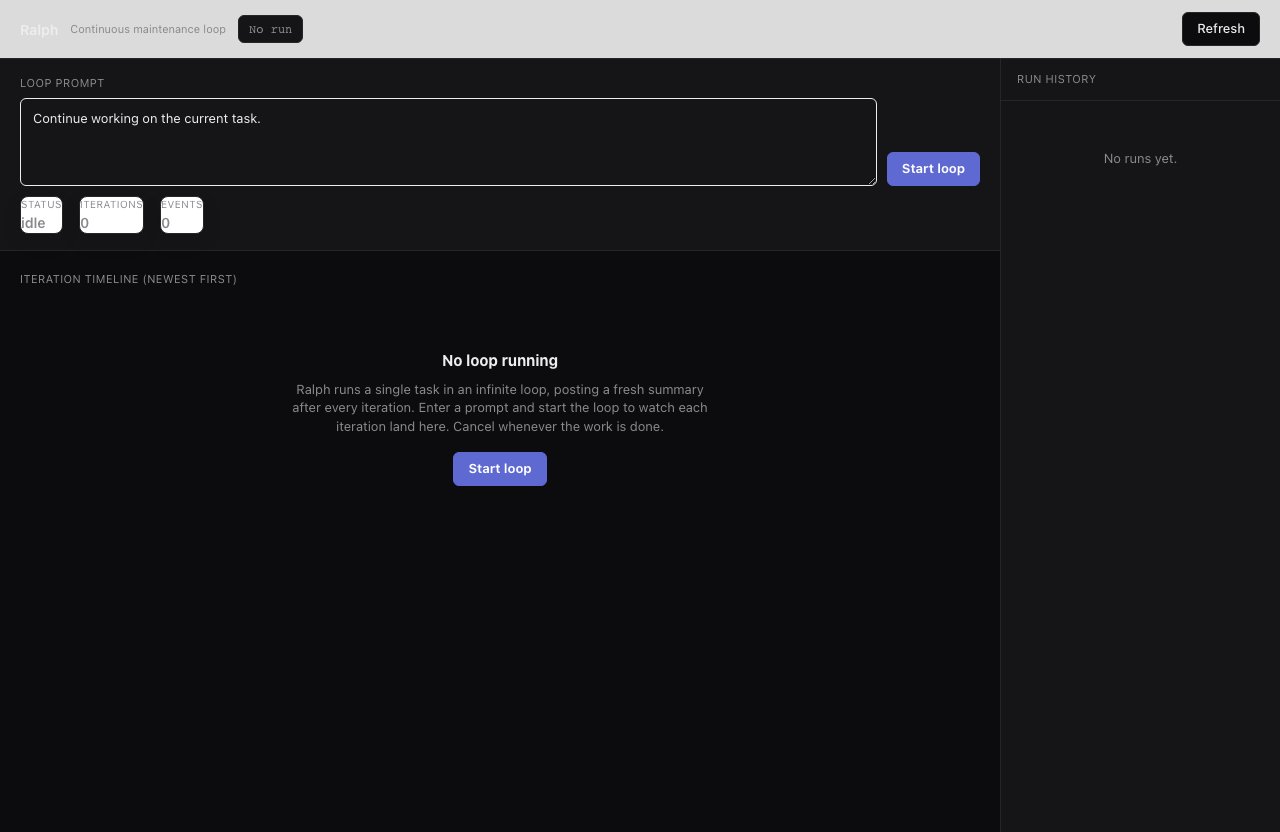
Your agent runs [`ralph`](/workflows/ralph), an unbounded loop that re-runs the smart agent on your prompt. Say stop and it runs `bunx smithers-orchestrator cancel RUN_ID`.
## Run while you're away
Smithers runs are durable: they survive crashes, restarts, and flaky tools, tracking what's done and what's next. Start something long-running, close the lid, come back to progress.
**Keep going until you stop it.** Say:
> "Keep working on reducing flaky tests. Don't stop until I tell you to."
Your agent runs [`ralph`](/workflows/ralph), an unbounded loop that re-runs the smart agent on your prompt. Say stop and it runs `bunx smithers-orchestrator cancel RUN_ID`.
 **Run on a schedule.** Say:
> "Every morning, scan the repo for stale TODOs and broken doc examples and open fixes."
Your agent registers a cron schedule (`bunx smithers-orchestrator cron add`) to run the workflow automatically. Ask what's scheduled with `bunx smithers-orchestrator cron list`.
**Gate on your approval.** Say:
> "Draft the release blog post, but don't publish until I approve it."
The workflow durably suspends at an approval gate. Say "approve it" and your agent runs `bunx smithers-orchestrator approve`, resuming right where it left off: work happens while you're away, the irreversible step waits for you. `mission` uses the same gate for its milestone-plan sign-off.
## Make your own workflows discoverable
Smithers treats agent-authored workflows as first-class. Once you've built task- and project-specific ones, say:
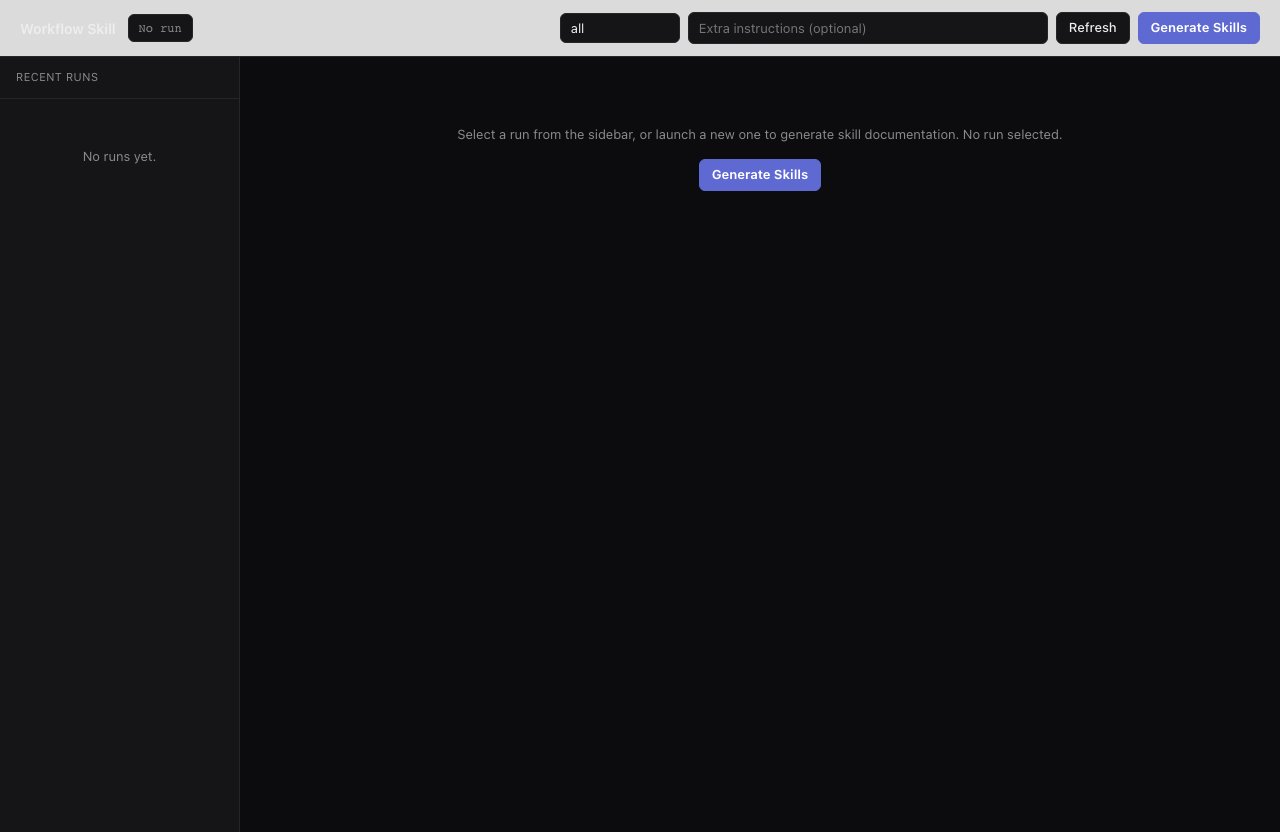
> "Write skill docs for every Smithers workflow in this repo so any agent can find and run them."
Your agent can copy the archived [`workflow-skill`](/workflows/workflow-skill)
example, or ask `create-workflow`: it reads local workflow metadata and
source, then writes concise agent-facing skill docs under `.smithers/skills/`.
**Run on a schedule.** Say:
> "Every morning, scan the repo for stale TODOs and broken doc examples and open fixes."
Your agent registers a cron schedule (`bunx smithers-orchestrator cron add`) to run the workflow automatically. Ask what's scheduled with `bunx smithers-orchestrator cron list`.
**Gate on your approval.** Say:
> "Draft the release blog post, but don't publish until I approve it."
The workflow durably suspends at an approval gate. Say "approve it" and your agent runs `bunx smithers-orchestrator approve`, resuming right where it left off: work happens while you're away, the irreversible step waits for you. `mission` uses the same gate for its milestone-plan sign-off.
## Make your own workflows discoverable
Smithers treats agent-authored workflows as first-class. Once you've built task- and project-specific ones, say:
> "Write skill docs for every Smithers workflow in this repo so any agent can find and run them."
Your agent can copy the archived [`workflow-skill`](/workflows/workflow-skill)
example, or ask `create-workflow`: it reads local workflow metadata and
source, then writes concise agent-facing skill docs under `.smithers/skills/`.
 ## Read next
**Reference:** custom logging, alerting, time travel, memory, evals, accounts, and packs, with the prompt that asks for each.
**How-to:** phrase the outcomes above so your agent picks the right one.
**How-to:** see a run live, approve gates, and redirect work in flight.
**Reference:** the deeper catalog, with inputs and behavior for every built-in workflow.
## Read next
**Reference:** custom logging, alerting, time travel, memory, evals, accounts, and packs, with the prompt that asks for each.
**How-to:** phrase the outcomes above so your agent picks the right one.
**How-to:** see a run live, approve gates, and redirect work in flight.
**Reference:** the deeper catalog, with inputs and behavior for every built-in workflow.