> ## Documentation Index
> Fetch the complete documentation index at: https://smithers.sh/llms.txt
> Use this file to discover all available pages before exploring further.
# How to Talk to Your Agent
> Phrase requests so your coding agent drives Smithers well: set finish lines, ask for gates, steer live runs, and approve from your seat.
You don't run Smithers, your agent does: phrasing is the craft, not CLI flags or `.tsx` files. Say the outcome in plain language; your agent maps it to a Smithers workflow, render → execute → persist, durable, resumable, on any machine. Phrase it well and get a high-quality result running while you're away; phrase it vaguely and get a one-shot answer when you wanted a campaign.
 ## Name the outcome, not the steps
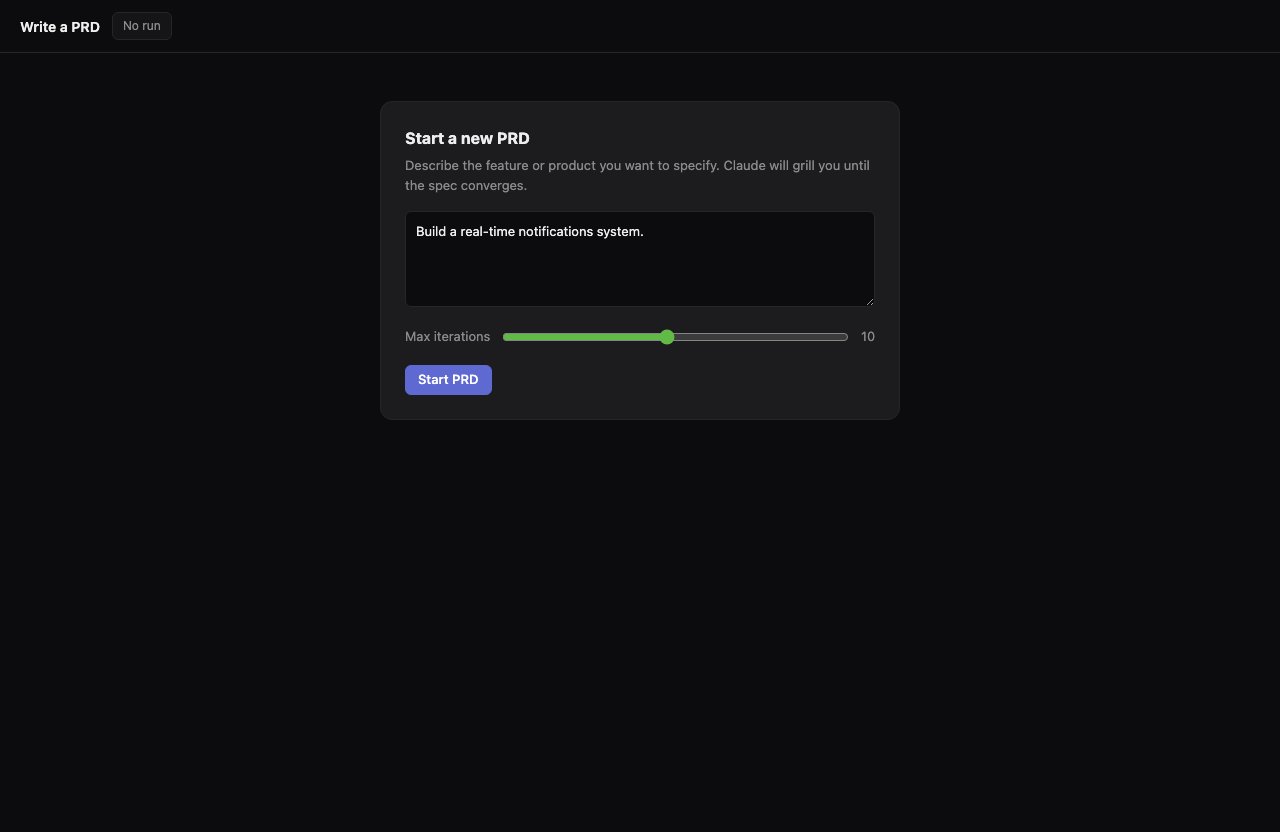
Describe the finished thing and your agent owns the route: say what "done" looks like, and it reaches for the right recipe from the built-in pack.
| You say | Your agent reaches for |
| ----------------------------------------------- | ------------------------------------------------------- |
| "Add account-level rate limiting." | `implement`, a durable build run |
| "Figure out the right approach, then build it." | `research-plan-implement`: research, plan, then execute |
| "Get this whole epic across the line." | `mission`, a multi-stage campaign |
| "Find the bugs and fix them." | `debug`: investigate, fix, verify |
## Set the finish line
Add a stopping condition and a one-shot becomes a loop: say "don't stop until X" and your agent iterates against persisted state until X holds (tests pass, review signs off, a score clears the bar) or hits an iteration cap.
> **"Add account-level rate limiting, and keep iterating until the tests pass and the review approves."**
Each pass: write code, run tests, send the diff to a review panel; it exits when tests are green *and* the synthesized review signs off.
The cap matters: "keep iterating until X" always carries a ceiling so a stubborn condition can't loop forever. Hit it without satisfying X, and the run stops and surfaces what's still failing, durable and inspectable, never silently spinning.
## Ask for a gate
Say "check with me first" for a durable pause: the run suspends as a row in SQLite, costing nothing for a minute or a week, no process burning, no tokens ticking, until you say the word.
| You say | What Smithers does |
| -------------------------------------------- | ---------------------------------------------- |
| "Show me the plan before you start." | Pauses after planning, waits for your go-ahead |
| "Don't publish until I approve." | Pauses before the publish step |
| "Stop and ask if the migration looks risky." | Pauses on a condition, escalates to you |
> **"Draft the release blog post, but don't publish until I approve it."**
Your agent writes the draft, then holds at a gate before publishing.
## Steer a live run
You redirect by talking to your agent: change your mind mid-run, say so, and it reaches for the right verb, `signal` to nudge, `cancel` to stop a run, `down` to halt everything.
| You say | What happens under the hood |
| ------------------------------------------------ | ------------------------------------- |
| "Focus only on the billing path, skip the rest." | Narrows scope via a signal to the run |
| "Actually, stop this and do Y instead." | Cancels, then starts the new run |
| "Pause everything, I need to think." | Halts active runs |
> **"Stop the kanban run and just focus on the billing ticket instead."**
Your agent cancels the `kanban` run and kicks off a focused `implement` run on the billing ticket. You never touched a run ID.
## Approve from your seat
A pause is a question waiting for one word: your agent shows you what's on the table (the plan, the diff, the draft) and parks the run.
Answer in plain language: "Approve." "Ship it." "No, redo the auth section first."
> **"approve"**
The gate clears, the run wakes, and the next stage executes against everything persisted, no re-running the work already done. Deny instead and, depending on how the gate was set, the run stops, skips that step, or loops back.
## Name the outcome, not the steps
Describe the finished thing and your agent owns the route: say what "done" looks like, and it reaches for the right recipe from the built-in pack.
| You say | Your agent reaches for |
| ----------------------------------------------- | ------------------------------------------------------- |
| "Add account-level rate limiting." | `implement`, a durable build run |
| "Figure out the right approach, then build it." | `research-plan-implement`: research, plan, then execute |
| "Get this whole epic across the line." | `mission`, a multi-stage campaign |
| "Find the bugs and fix them." | `debug`: investigate, fix, verify |
## Set the finish line
Add a stopping condition and a one-shot becomes a loop: say "don't stop until X" and your agent iterates against persisted state until X holds (tests pass, review signs off, a score clears the bar) or hits an iteration cap.
> **"Add account-level rate limiting, and keep iterating until the tests pass and the review approves."**
Each pass: write code, run tests, send the diff to a review panel; it exits when tests are green *and* the synthesized review signs off.
The cap matters: "keep iterating until X" always carries a ceiling so a stubborn condition can't loop forever. Hit it without satisfying X, and the run stops and surfaces what's still failing, durable and inspectable, never silently spinning.
## Ask for a gate
Say "check with me first" for a durable pause: the run suspends as a row in SQLite, costing nothing for a minute or a week, no process burning, no tokens ticking, until you say the word.
| You say | What Smithers does |
| -------------------------------------------- | ---------------------------------------------- |
| "Show me the plan before you start." | Pauses after planning, waits for your go-ahead |
| "Don't publish until I approve." | Pauses before the publish step |
| "Stop and ask if the migration looks risky." | Pauses on a condition, escalates to you |
> **"Draft the release blog post, but don't publish until I approve it."**
Your agent writes the draft, then holds at a gate before publishing.
## Steer a live run
You redirect by talking to your agent: change your mind mid-run, say so, and it reaches for the right verb, `signal` to nudge, `cancel` to stop a run, `down` to halt everything.
| You say | What happens under the hood |
| ------------------------------------------------ | ------------------------------------- |
| "Focus only on the billing path, skip the rest." | Narrows scope via a signal to the run |
| "Actually, stop this and do Y instead." | Cancels, then starts the new run |
| "Pause everything, I need to think." | Halts active runs |
> **"Stop the kanban run and just focus on the billing ticket instead."**
Your agent cancels the `kanban` run and kicks off a focused `implement` run on the billing ticket. You never touched a run ID.
## Approve from your seat
A pause is a question waiting for one word: your agent shows you what's on the table (the plan, the diff, the draft) and parks the run.
Answer in plain language: "Approve." "Ship it." "No, redo the auth section first."
> **"approve"**
The gate clears, the run wakes, and the next stage executes against everything persisted, no re-running the work already done. Deny instead and, depending on how the gate was set, the run stops, skips that step, or loops back.
 ## When not to hand it off
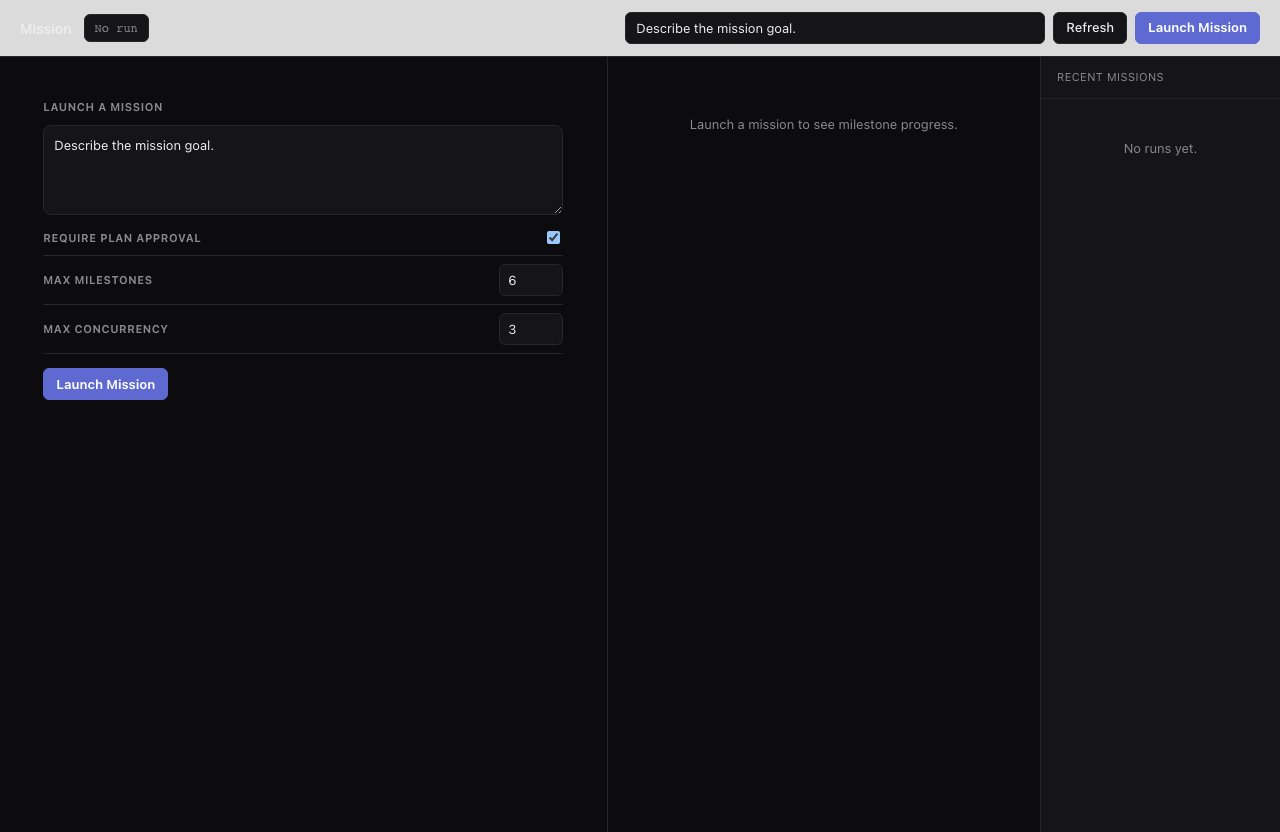
Don't reach for Smithers when a single prompt already gets you there: one question with one answer, or a quick edit, just ask your agent directly. A workflow earns its keep when work spans stages, needs a finish line, needs approval mid-flight, or should keep going while you're away.
## When not to hand it off
Don't reach for Smithers when a single prompt already gets you there: one question with one answer, or a quick edit, just ask your agent directly. A workflow earns its keep when work spans stages, needs a finish line, needs approval mid-flight, or should keep going while you're away.
 ## Read next
* [Watch and steer](/guide/watch-and-steer) (how-to): follow a run once it's going, clear gates, and redirect it in flight.
* [What you can do](/guide/what-you-can-do) (reference): the outcome catalog and the exact words that trigger each workflow.
* [The few concepts you need](/guide/concepts) (explanation): the vocabulary behind durable runs, gates, and loops.
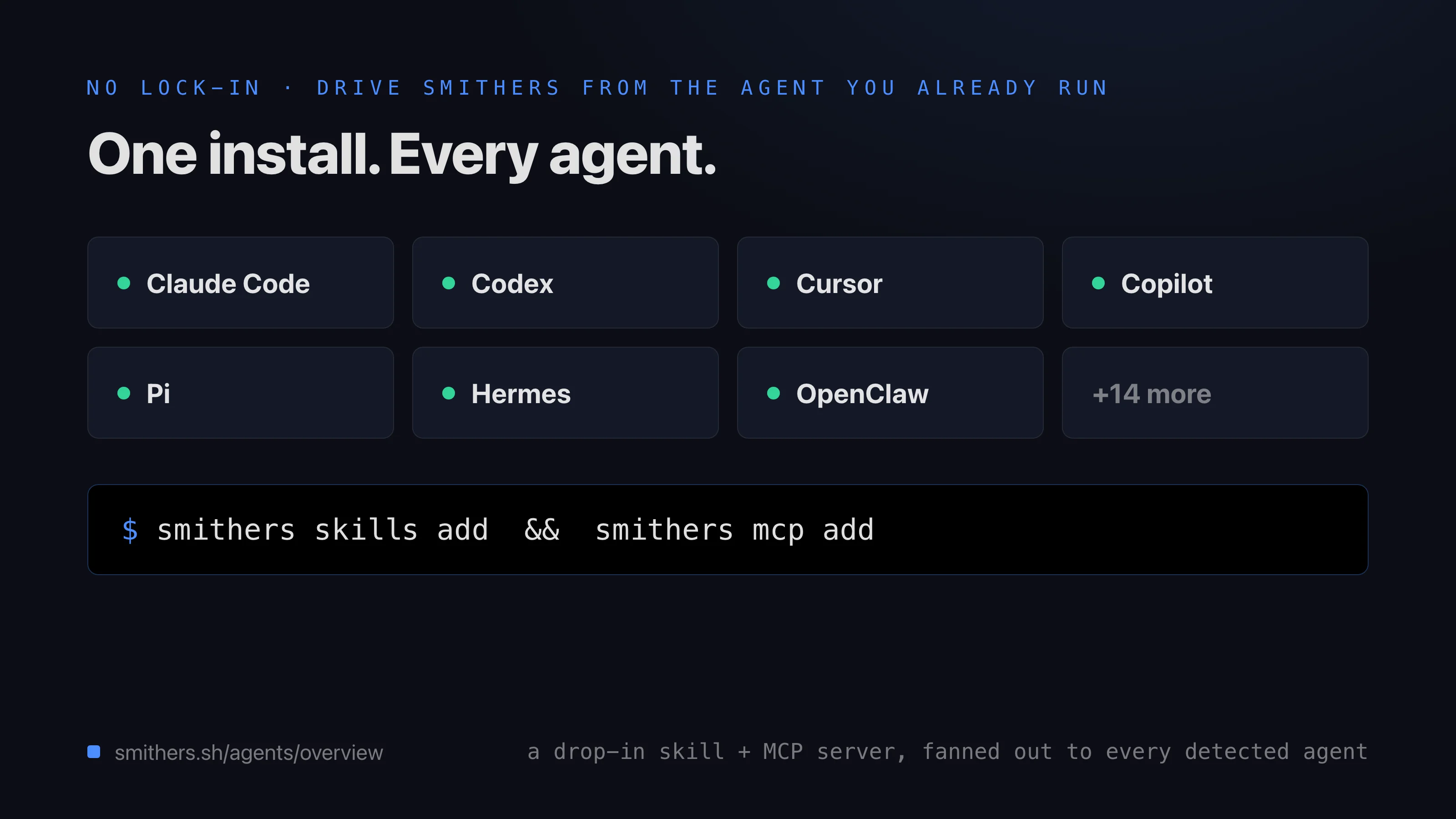
* [Agents](/agents/overview) and the [CLI](/cli/overview) (under the hood): the models your workflows can drive and the verbs your agent runs for you.
## Read next
* [Watch and steer](/guide/watch-and-steer) (how-to): follow a run once it's going, clear gates, and redirect it in flight.
* [What you can do](/guide/what-you-can-do) (reference): the outcome catalog and the exact words that trigger each workflow.
* [The few concepts you need](/guide/concepts) (explanation): the vocabulary behind durable runs, gates, and loops.
* [Agents](/agents/overview) and the [CLI](/cli/overview) (under the hood): the models your workflows can drive and the verbs your agent runs for you.